WebKiosk Tablet 9.5
Secure web browser for kiosks
Protect your internet kiosks in less than 5 minutes
Description
WebKiosk helps you turn any iPad into a secure, focused, and professional public browsing experience in minutes. Whether you're deploying kiosks in museums, libraries, offices, trade shows, schools, or customer-facing spaces, WebKiosk keeps users exactly where they need to be while protecting the device from unwanted access.
Display online websites or local content with confidence, control which pages visitors can access, customize the interface to match your brand, and automatically reset sessions to protect privacy between users. WebKiosk reduces setup time, improves reliability, and gives IT teams the control they need for public-facing devices.
Built natively for iPadOS, WebKiosk delivers a modern, secure, and flexible kiosk experience designed for real-world deployments. Spend less time managing public computers and more time delivering a polished, consistent, and trustworthy experience for every visitor.
Purchase a license
Apple App Store Changelog Frequently Asked QuestionsVersion 9.5. Available in English, French, German, Italian, Spanish, Dutch, Portuguese, Korean, Chinese and Japanese languages. Requires iPadOS 17 or later versions. There is no trial version for iPadOS. Version 8 is still available for older versions of iPadOS.
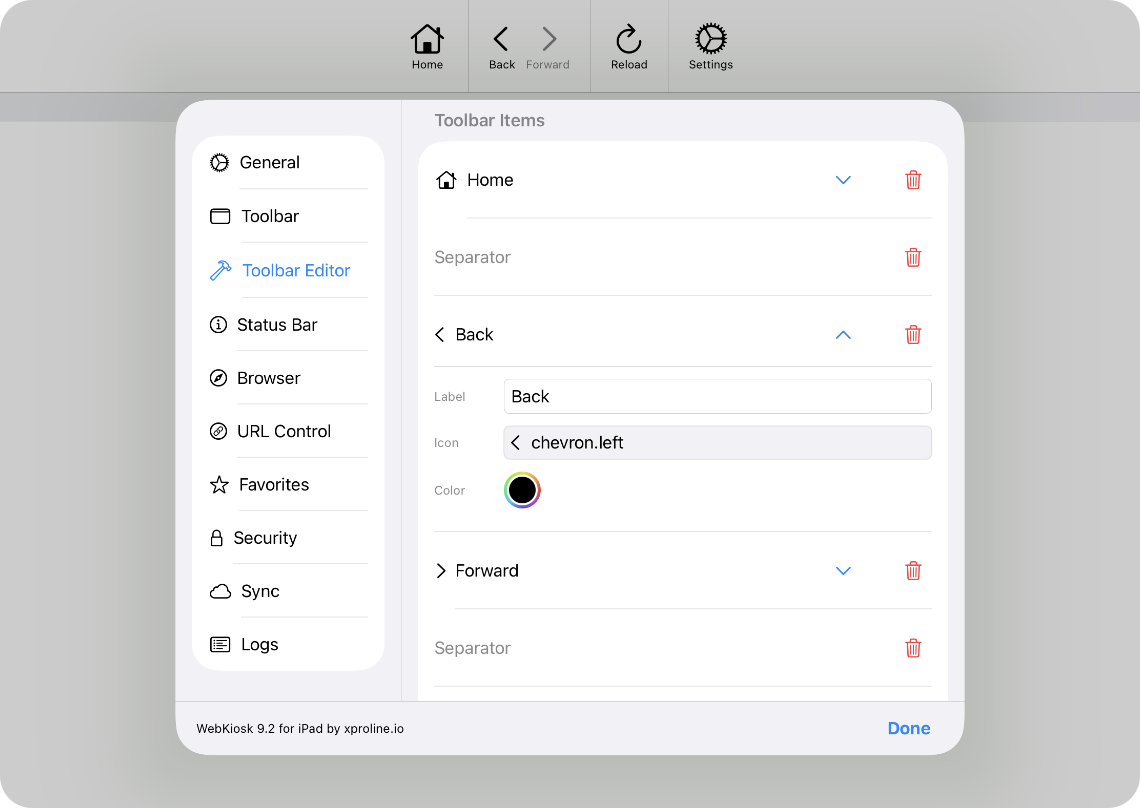
SIMPLE TO USE
Main Features
Beautiful UI/UX
Modern and intuitive, optimized for Liquid Glass design system
Consistent experience
The Mac and iPad versions are now sharing the same user interface
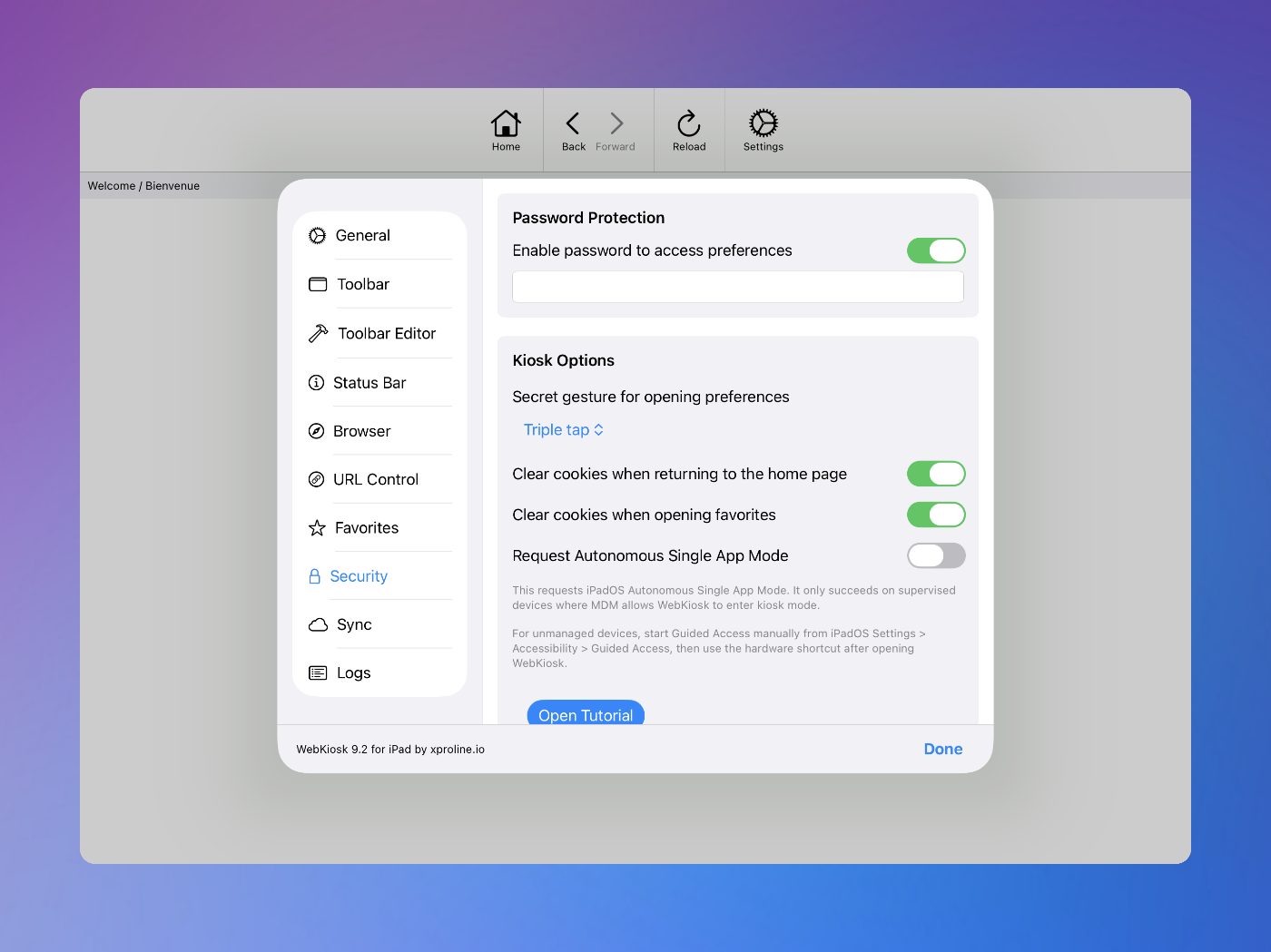
Password option
You can protect the access to preferences with a password
Local or online
You can display local or online websites with favorites menu
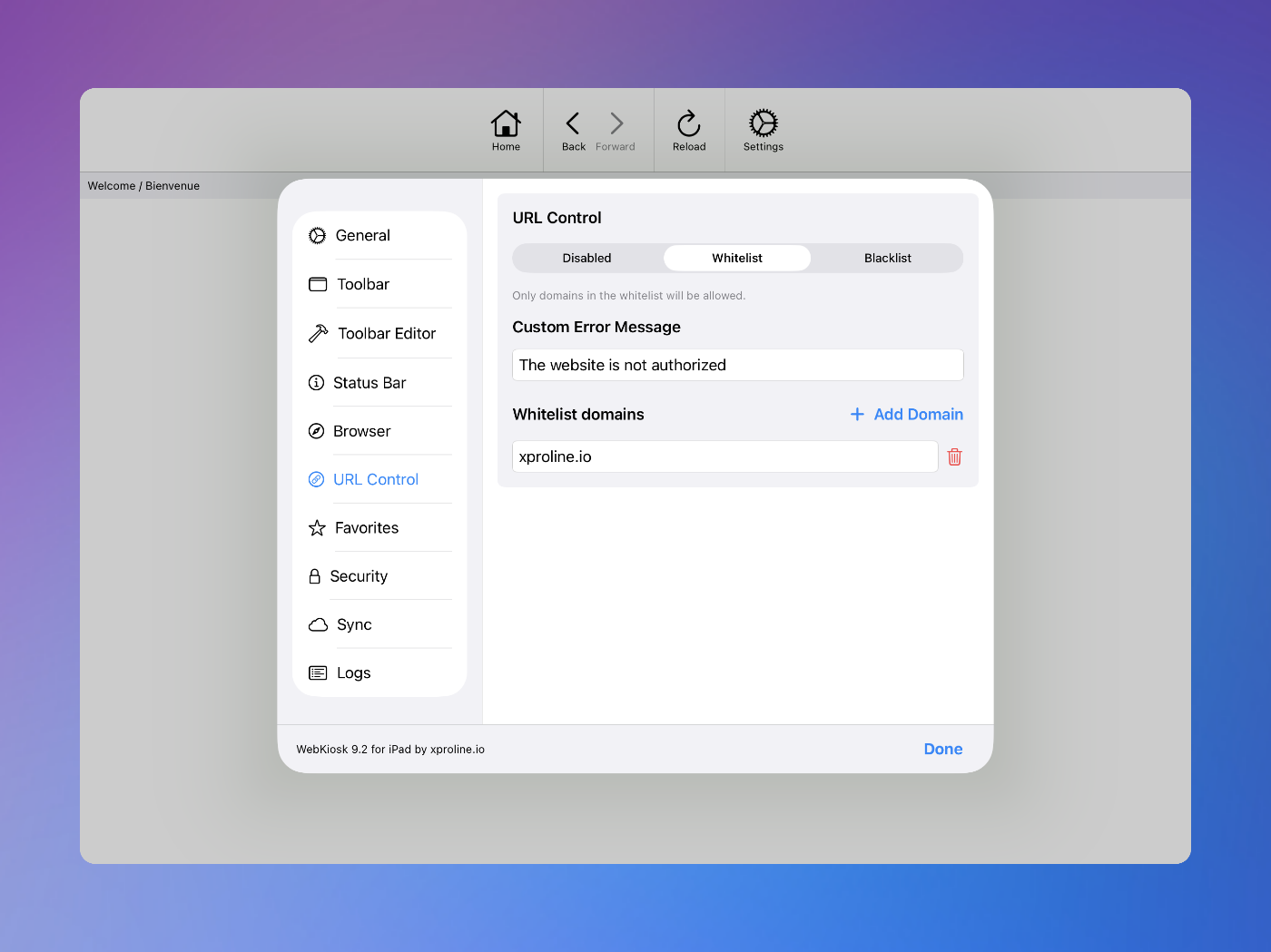
Whitelist or blacklist
You can set up a list of authorized websites for end users
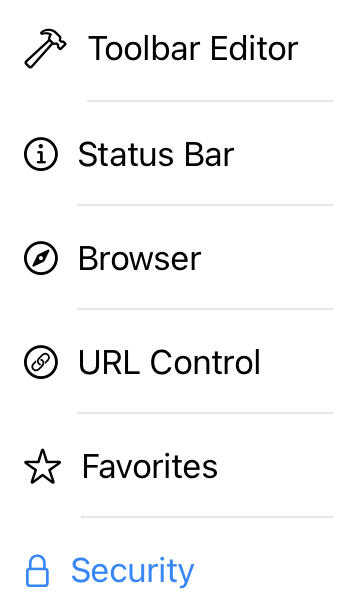
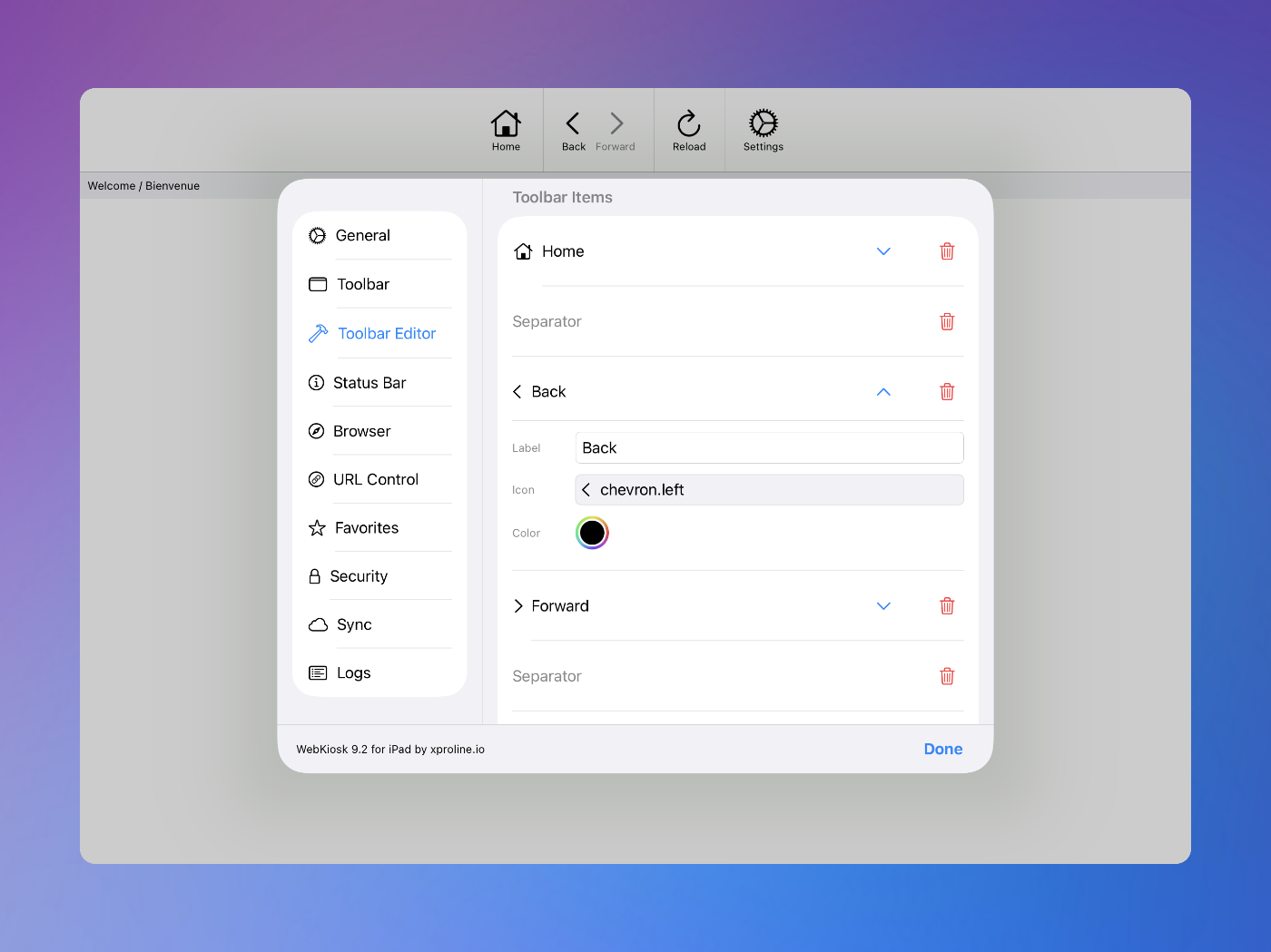
Custom toolbar
You can set up your own items with custom icons and even colors
iCloud sync
You can set up multiple kiosks with iCloud synchronization of preferences
Logs report
You can always track what happened on the kiosk with full logs
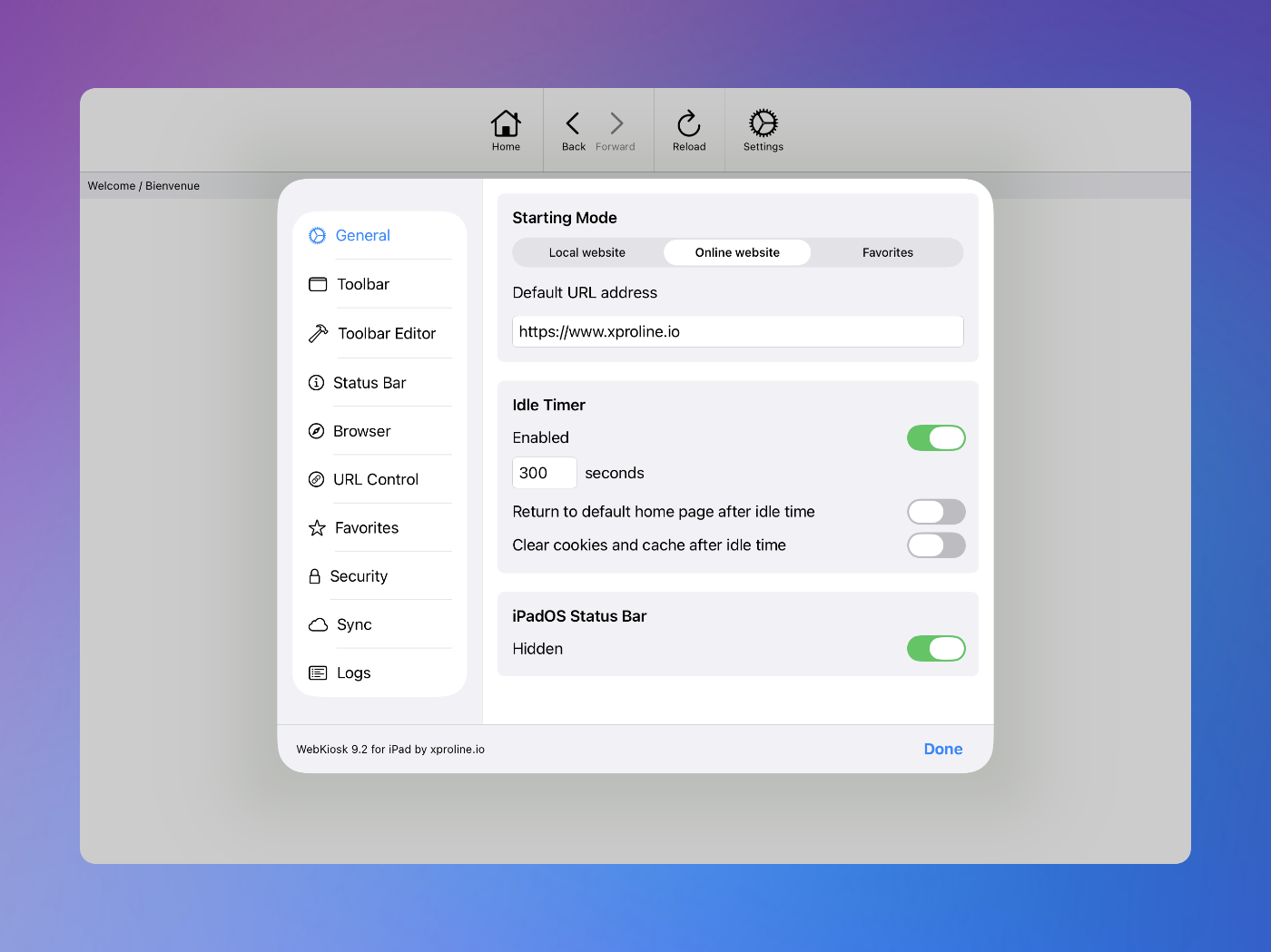
Screenshots
These screenshots were taken on iPadOS 26. If you're using an earlier version of iPadOS, the interface is a bit different.
Customers
Our customers are located around the world, and they love our solution for many reasons. The primary one is the ability to manage any kiosk project in a couple of minutes. Some examples: