
PayKiosk 1.5
Secure POS system for kiosks
Optimized for Stripe Terminal hardware readers

Description
PayKiosk transforms any Mac into a modern self-service point-of-sale system, allowing customers to browse products, complete purchases, and pay securely without staff assistance. Whether you're operating a retail store, museum gift shop, pop-up event, cafeteria, ticketing counter, or unattended kiosk, PayKiosk delivers a fast, intuitive checkout experience that improves customer satisfaction while reducing operational costs.
Create a fully branded storefront with your own products, categories, colors, welcome messages, and logo, then accept secure payments through Stripe using online checkout or Stripe Terminal hardware for tap-to-pay transactions. The streamlined interface helps customers find products quickly, complete purchases with confidence, and keeps lines moving even during busy periods.
Built natively for macOS, PayKiosk combines enterprise-grade security, reliability, and ease of use in a professional self-service solution.
Download link for Mac
The trial version is limited (can be unlocked by purchasing a license).
Trial version Changelog Frequently Asked QuestionsVersion 1.5.7. Available in English, French, German, Italian, Spanish, Dutch, Portuguese, Korean, Chinese and Japanese languages. Requires macOS 14 or later versions. Universal binary optimized for Intel and Apple Silicon processors. Notarized by Apple secure service to prevent malware. We recommend RemoteLook for reliable kiosks monitoring.
Purchase options
Xproline Store Apple Mac App StoreEnjoy significant savings when you purchase multiple licenses. Payment options: Apple Pay or Credit Card. Pricing for the Mac App Store version varies by country and Apple's policy.
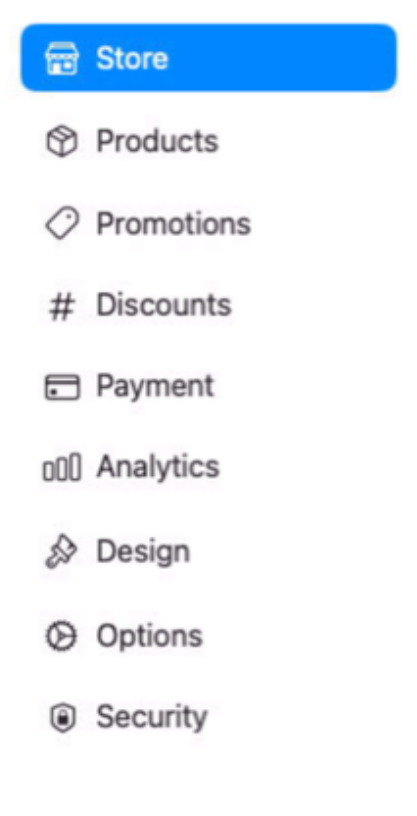
Step 1
Set up your store information and products or services
Step 2
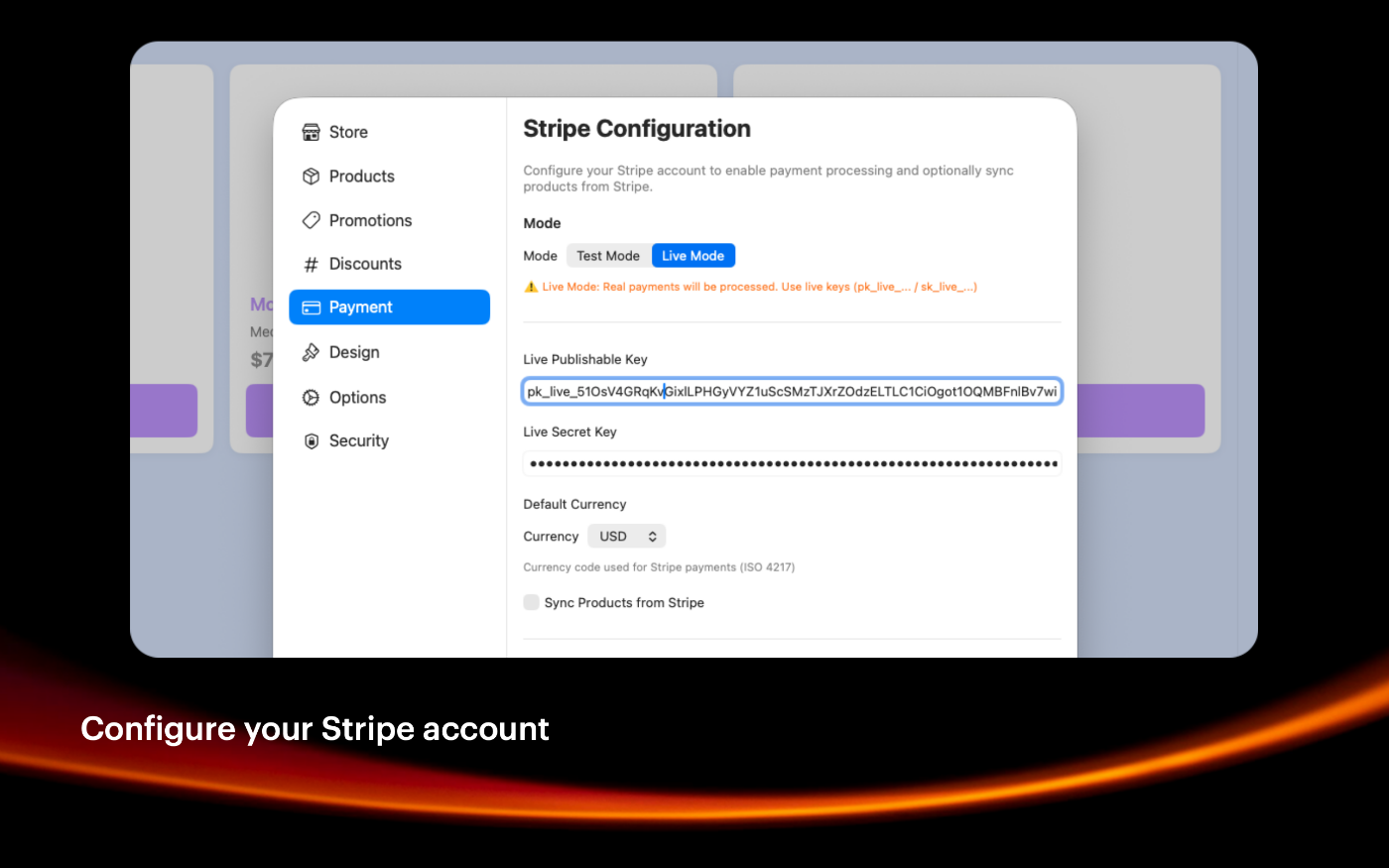
Add your Stripe account information, the public and secret keys
Step 3
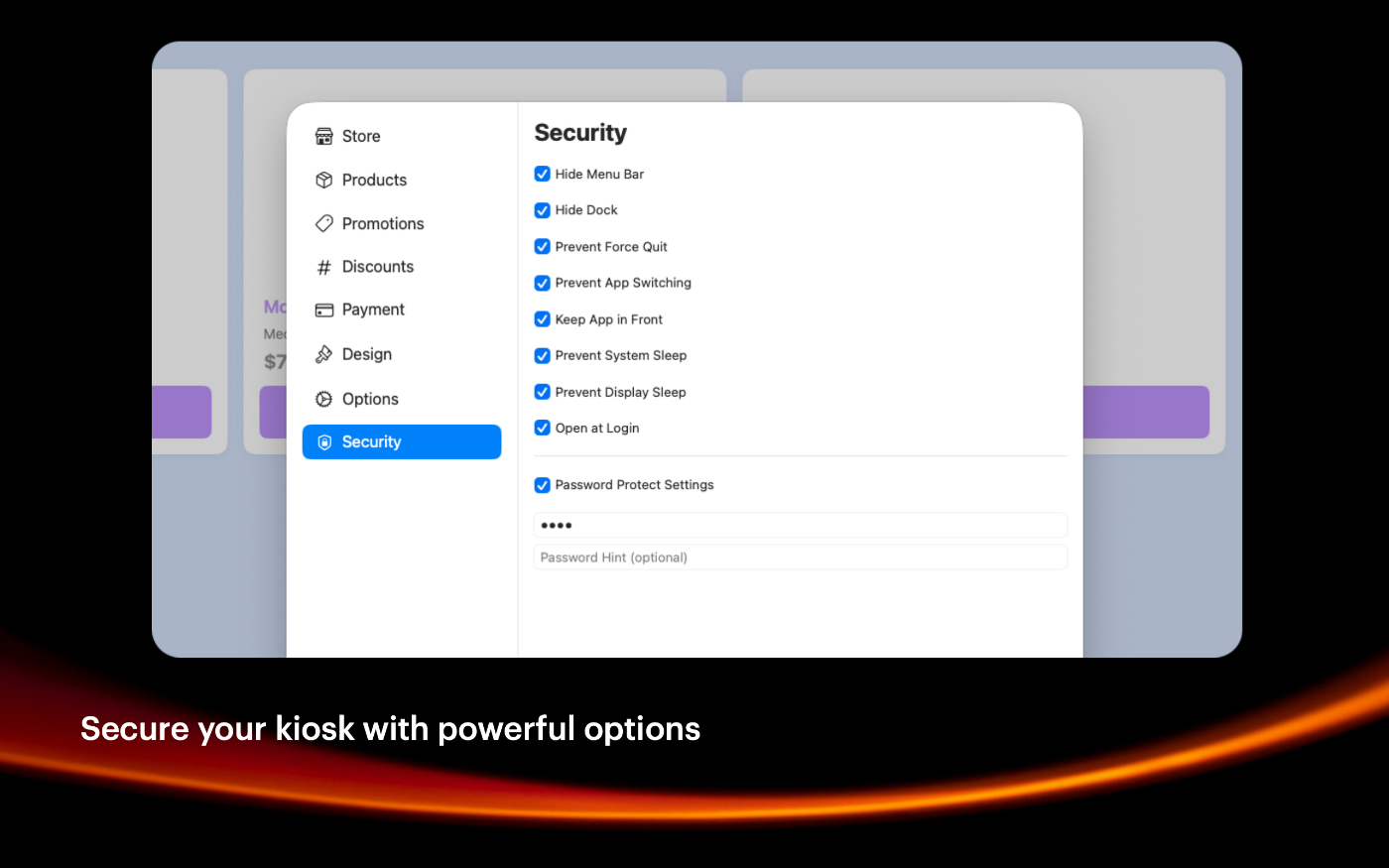
Enable the security options relevant to your use case
Step 4
You are ready to enable the kiosk mode to sell anything
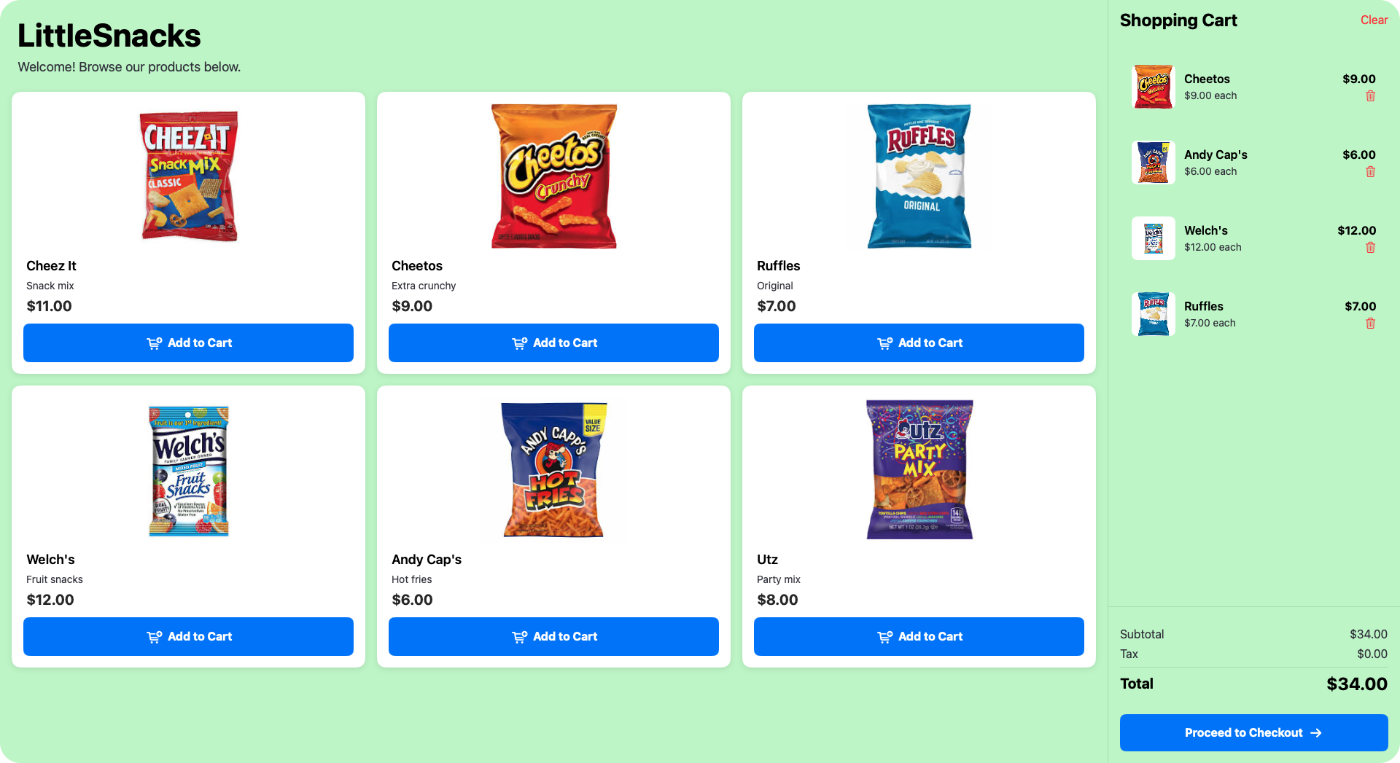
SIMPLE TO USE
Main Features
Easy to use
Intuitive user experience, very friendly user interface
Design
You can customize your store frontend wiht a lot of options
Settings
You can easily disable or enable many features
Protected
You can protect the Mac computer with many options
Screenshots
These screenshots were taken on macOS 26 Tahoe. If you're using an earlier version of macOS, the interface is a bit different.
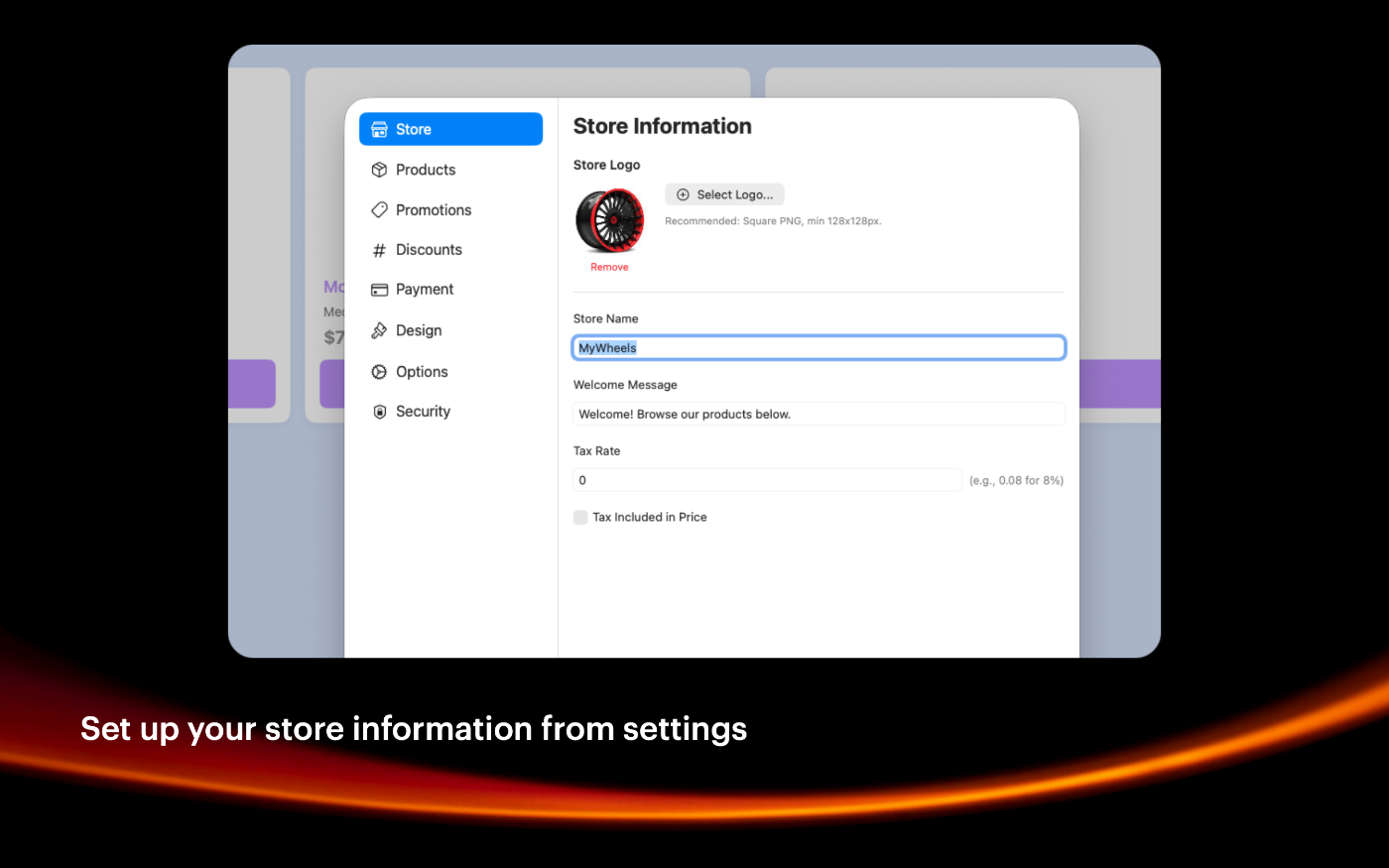
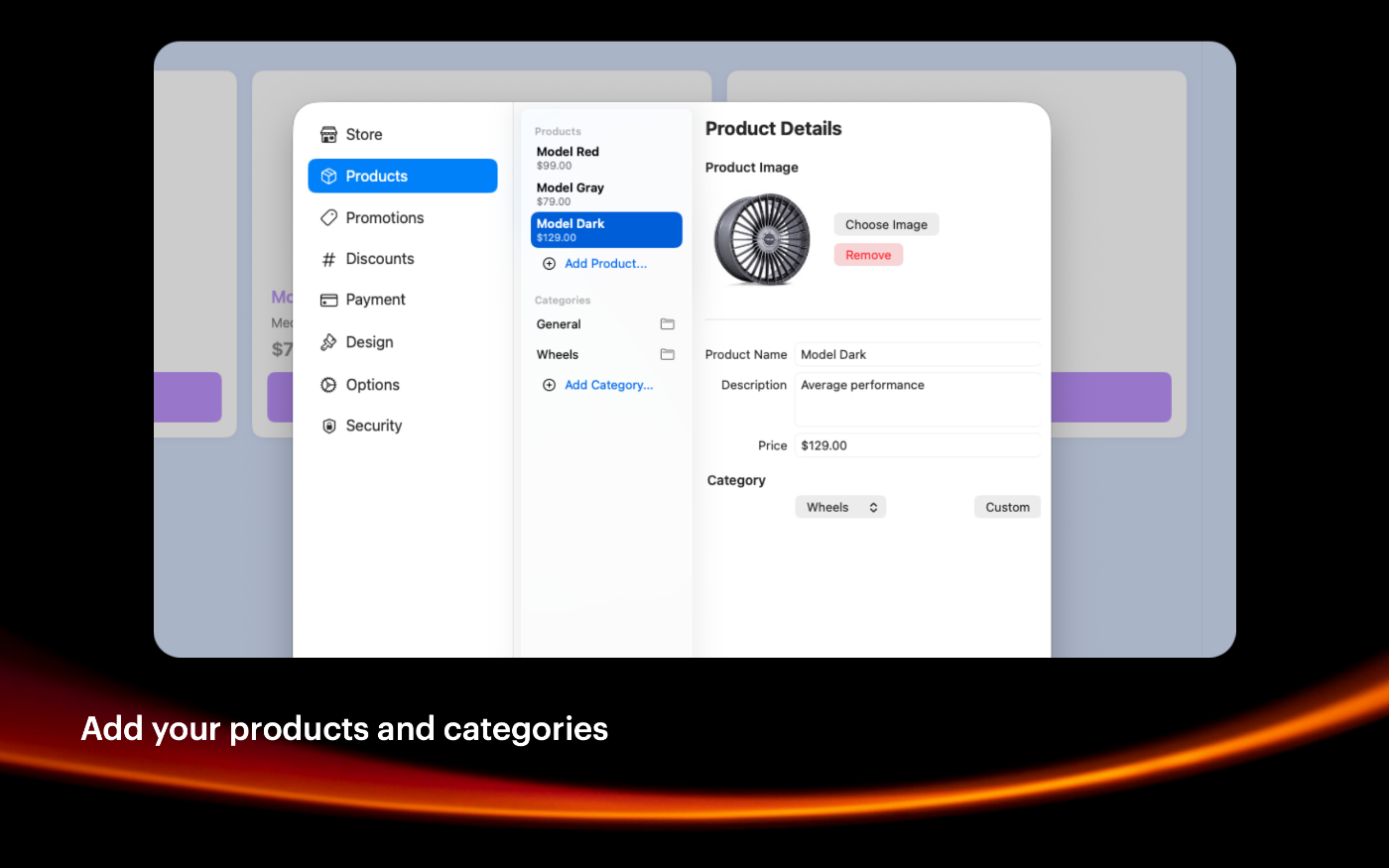
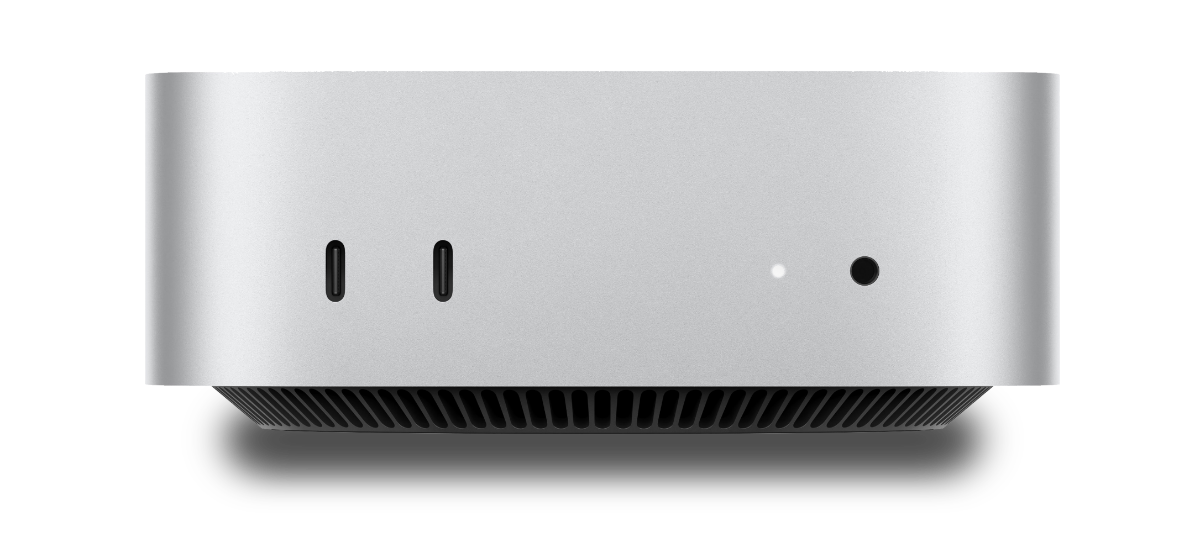
The Mac mini is recommended as a reliable solution
Built with modern foundations
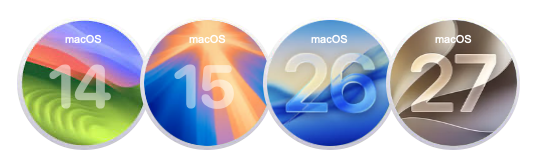
Requires macOS 14 Sonoma or later versions.
Optimized for macOS 26 Tahoe and macOS Golden Gate
Easy to try, easy to buy
This app is incredibly affordable with a simple, one-time purchase—no recurring subscription fees. Plus, we offer fantastic quantity discounts, so the more you buy, the more you save! Try out the full functionality in our free trial version, and when you’re ready, unlock all features by purchasing a license.
Purchase options
Xproline Store Apple Mac App StoreEnjoy significant savings when you purchase multiple licenses. Payment options: Apple Pay or Credit Card. Pricing for the Mac App Store version varies by country and Apple's policy.