WebKiosk 9.5
Secure web browser for kiosks
Protect your public internet kiosks in less than 5 minutes

Description
WebKiosk helps you turn any Mac into a secure, focused, and professional public browsing experience in minutes. Whether you're deploying kiosks in museums, libraries, offices, trade shows, schools, or customer-facing spaces, WebKiosk keeps users exactly where they need to be while protecting the device from unwanted access.
Display online websites or local content with confidence, control which pages visitors can access, customize the interface to match your brand, and automatically reset sessions to protect privacy between users. WebKiosk reduces setup time, improves reliability, and gives IT teams the control they need for public-facing devices.
Built natively for macOS, WebKiosk delivers a modern, secure, and flexible kiosk experience designed for real-world deployments. Spend less time managing public computers and more time delivering a polished, consistent, and trustworthy experience for every visitor. The desktop version WebDesk is also available on Elonovo website.
Download link for Mac
The trial version is limited (can be unlocked by purchasing a license).
Trial version Changelog Frequently Asked QuestionsVersion 9.5. Available in English, French, German, Italian, Spanish, Dutch, Portuguese, Korean, Chinese and Japanese languages. Requires macOS 14 or later versions. Universal binary optimized for Intel and Apple Silicon processors. Notarized by Apple secure service to prevent malware. Version 8 and version 7 are still available for older versions of macOS. We recommend RemoteLook for reliable kiosks monitoring.
Purchase options
Xproline Store Apple Mac App StoreEnjoy significant savings when you purchase multiple licenses. Payment options: Apple Pay or Credit Card. Pricing for the Mac App Store version varies by country and Apple's policy.
We recommend SupportEngine software as a great solution for billing or support. Self-hosted or cloud version available.
Step 1
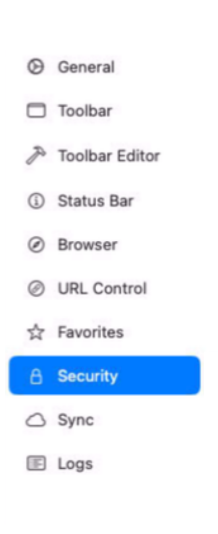
Launch WebKiosk and go to settings. You will find a list of sections on a vertical sidebar.
Step 2
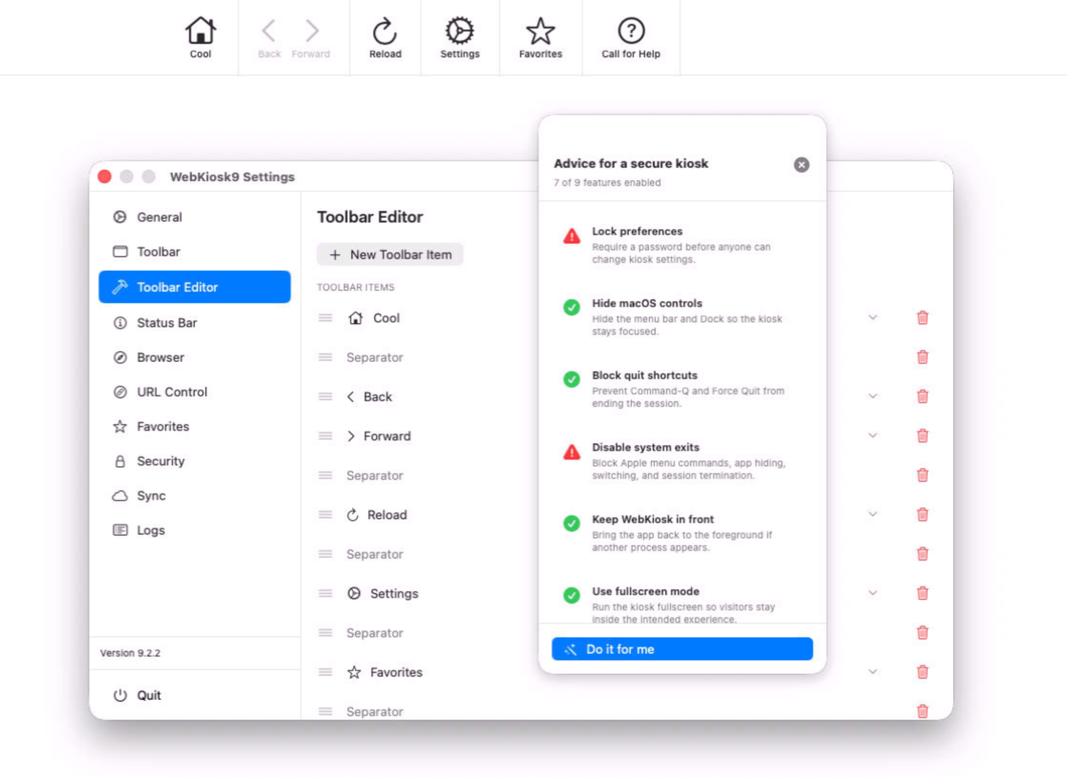
Click on toolbar section to set up the user interface of the web browser with many options.
Step 3
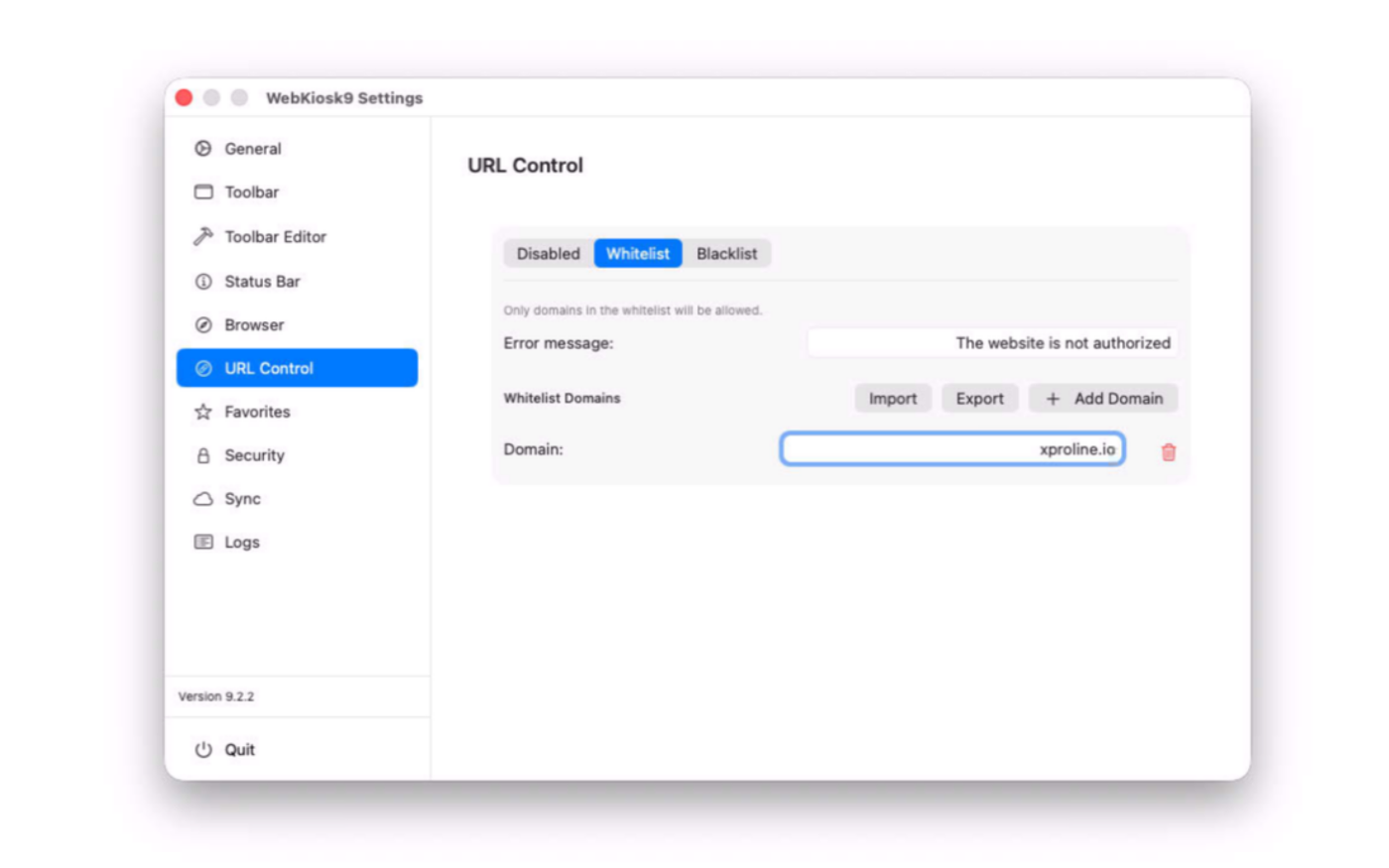
Define the security rules like whitelist, blacklist URLS or the full screen mode with many options.
Step 4
You can close the settings. You'll see that settings are applied in real time.
SIMPLE TO USE
Main Features
Beautiful UI/UX
Modern and intuitive, optimized for Liquid Glass design system
Consistent experience
The Mac and iPad versions are now sharing the same user interface
Full screen mode
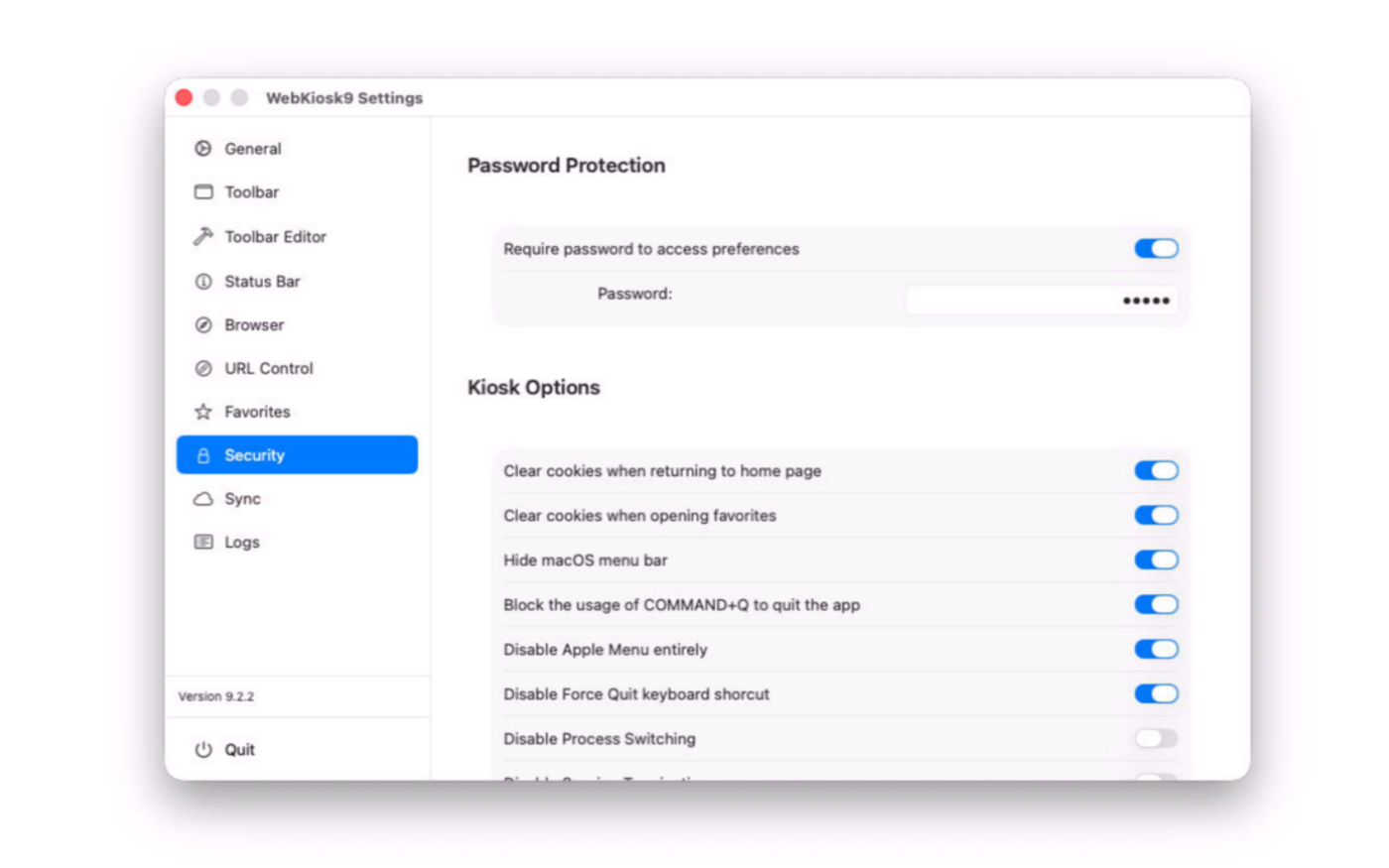
You can hide the Apple menu bar or any item on the screen
Password option
You can password-protect access to preferences
Web server integrated
You can display dynamic websites on the kiosk
Whitelist or blacklist
You can set up a list of authorized websites for end users
Automatic relaunch
In case of a crash, the app automatically relaunch itself
Custom toolbar
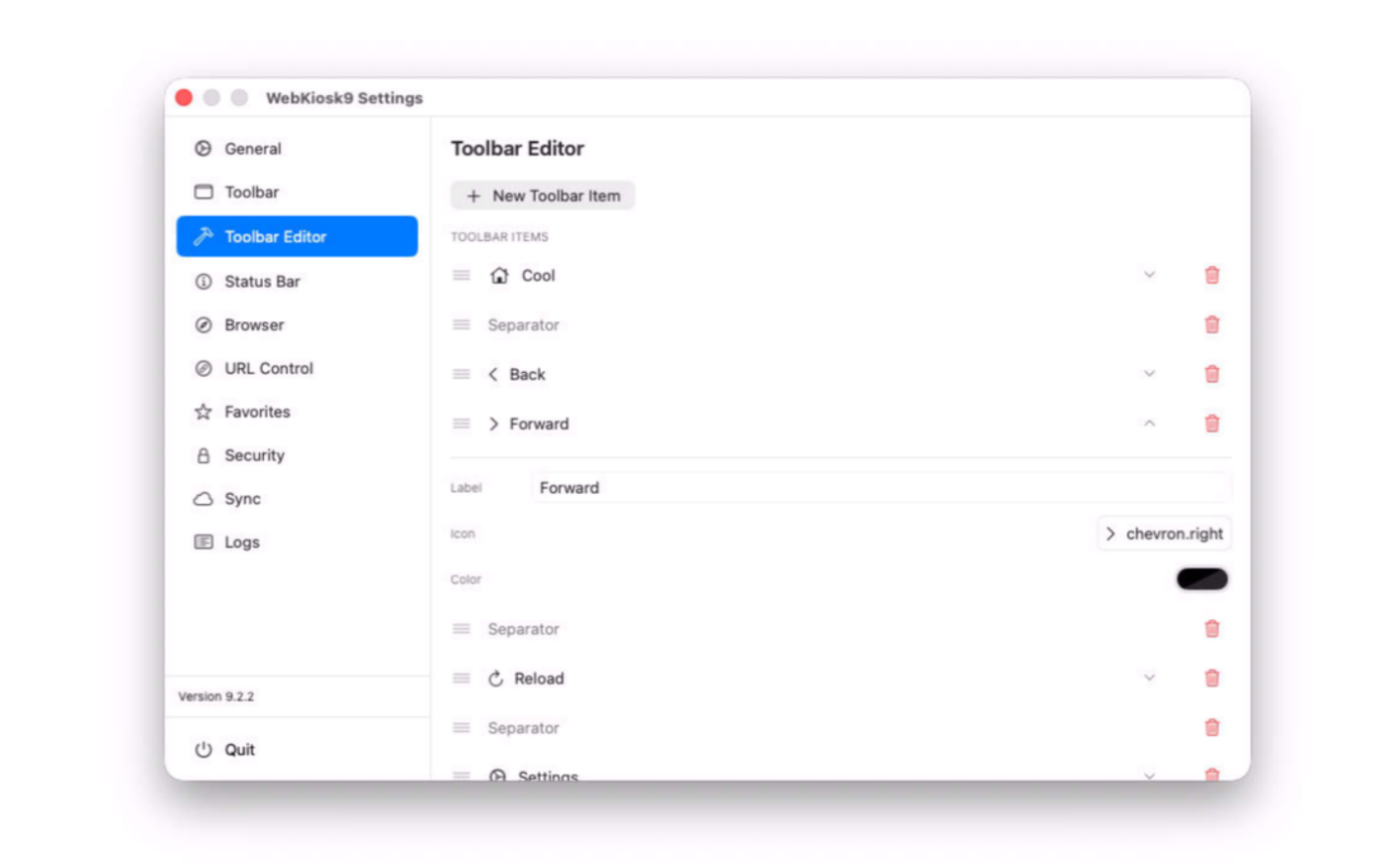
You can set up your own items with custom icons and even colors
Virtual keyboard
You can set up a contextual virtual keyboard popover for touchscreens
Protected computer
You can disable system keys to exit the browser or switch apps
iCloud sync
You can set up multiple kiosks with iCloud synchronization of preferences
Logs report
You can always track what happened on the kiosk with full logs
Screenshots
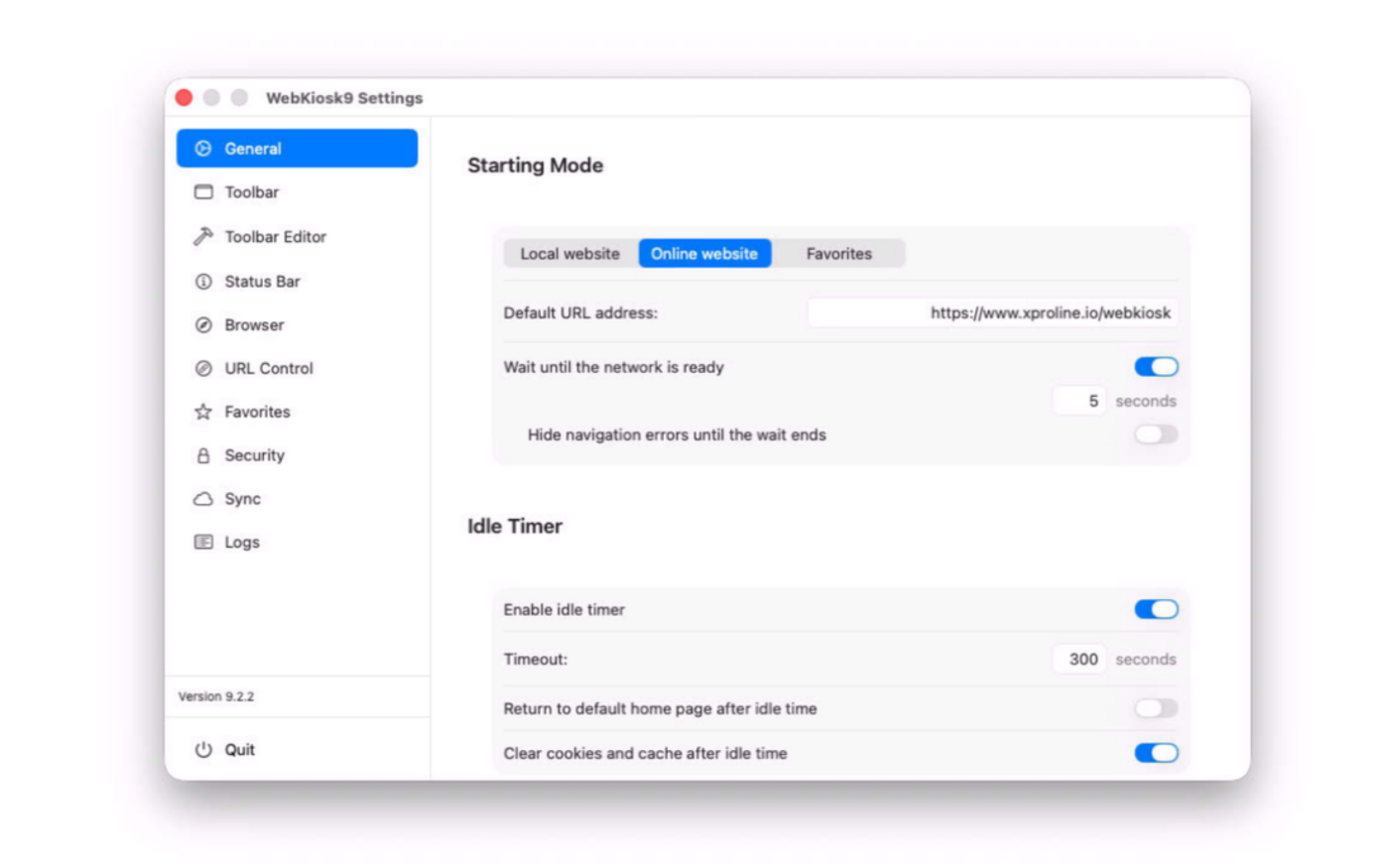
These screenshots were taken on macOS 26 Tahoe. If you're using an earlier version of macOS, the interface is a bit different.
Built with modern foundations
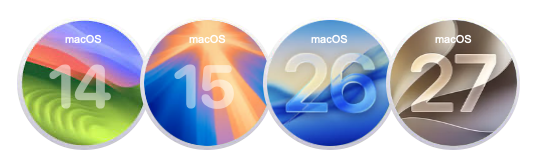
Requires macOS 14 Sonoma or later versions
Optimized for macOS 26 Tahoe and macOS 27 Golden Gate
Easy to try, easy to buy
This app is incredibly affordable with a simple, one-time purchase—no recurring subscription fees. Plus, we offer fantastic quantity discounts, so the more you buy, the more you save! Try out the full functionality in our free trial version, and when you’re ready, unlock all features by purchasing a license.
Purchase options
Xproline Store Apple Mac App StoreEnjoy significant savings when you purchase multiple licenses. Payment options: Apple Pay or Credit Card. Pricing for the Mac App Store version varies by country and Apple's policy.
Customers
Our customers are located around the world, and they love our solution for many reasons. The primary one is the ability to manage any kiosk project in a couple of minutes. Some examples: