
DigiKiosk 3.7
Create and deploy digital signage screens
The best tool for businesses and digital signage projects

Description
DigiKiosk makes it easy to create and deploy stunning digital signage that captures attention and keeps your audience informed. Whether you're managing displays in retail stores, restaurants, corporate offices, hotels, museums, schools, or trade shows, DigiKiosk helps you deliver professional visual experiences without the complexity of traditional signage systems.
Design engaging screens with images, videos, text, icons, and other rich content using an intuitive visual editor built for speed and creativity. Then deploy your slideshows to the free DigiKiosk Player app for Mac, making it simple and affordable to run your content on multiple displays. As an option, you can also deploy to Apple TV or iPad screens.
Built natively for macOS, DigiKiosk combines performance, flexibility, and ease of use in a modern digital signage platform. Spend less time managing screens and more time engaging customers, communicating important information, and creating memorable experiences that strengthen your brand. A version for small business named DigiScreen is available on Elonovo website.
Download links
The trial version is limited (can be unlocked by purchasing a license). The player app for Mac is free.
Trial version Download Examples Changelog FAQsDigiKiosk Player for Mac Player for Apple TV Player for iPad
Version 3.7.2. Available in English, French, German, Italian, Spanish, Dutch, Portuguese, Korean, Chinese and Japanese languages. Requires macOS 14 or later versions. Universal binary optimized for Intel and Apple Silicon processors. Notarized by Apple secure service to prevent malware.
Purchase options
Xproline Store Apple Mac App StoreEnjoy significant savings when you purchase multiple licenses. Payment options: Apple Pay or Credit Card. Pricing for the Mac App Store version varies by country and Apple's policy.
Screens Editor App

Player for Mac, Apple TV & iPad
Step 1
Setup the number of screens needed and the screen resolution with many options.
Step 2
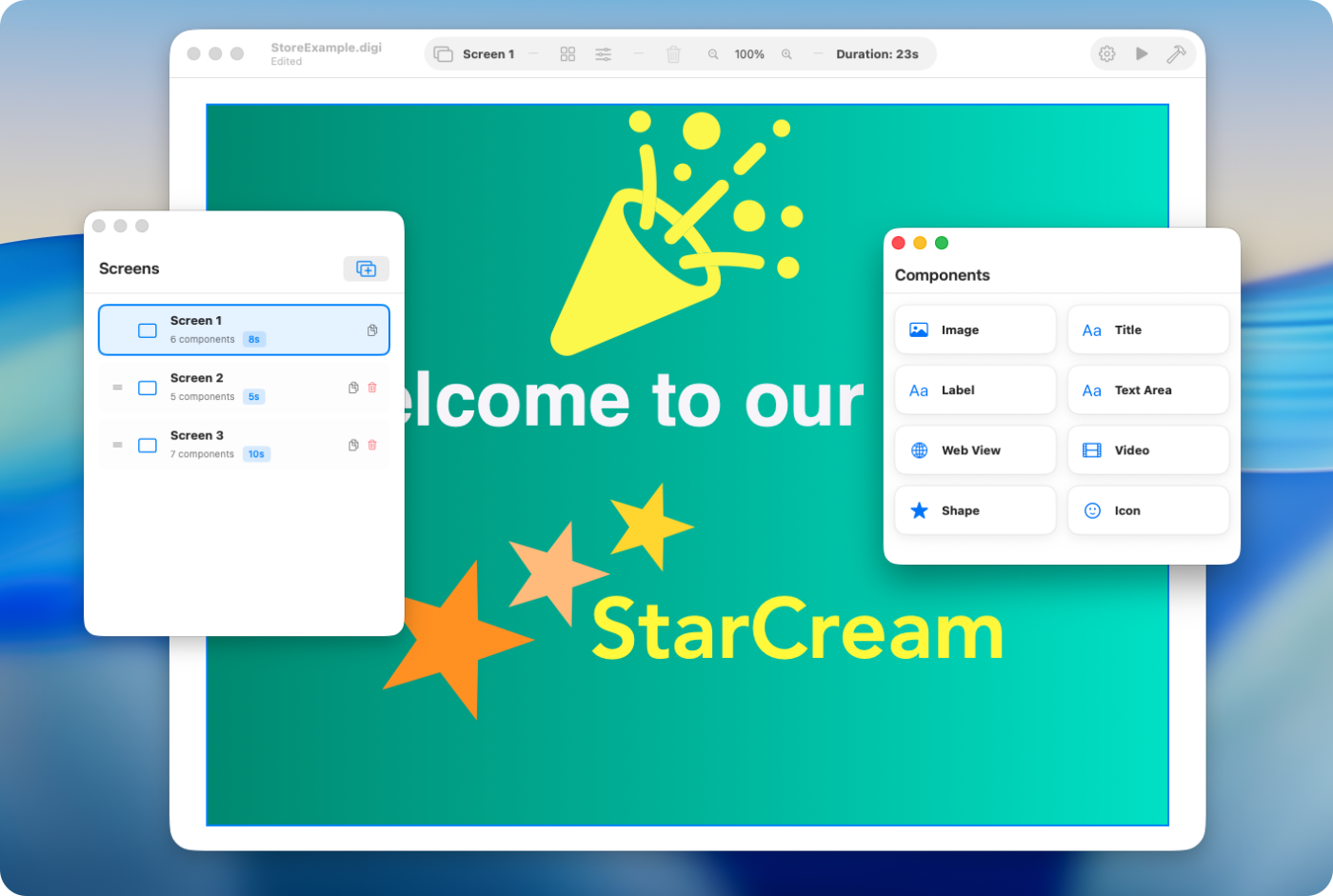
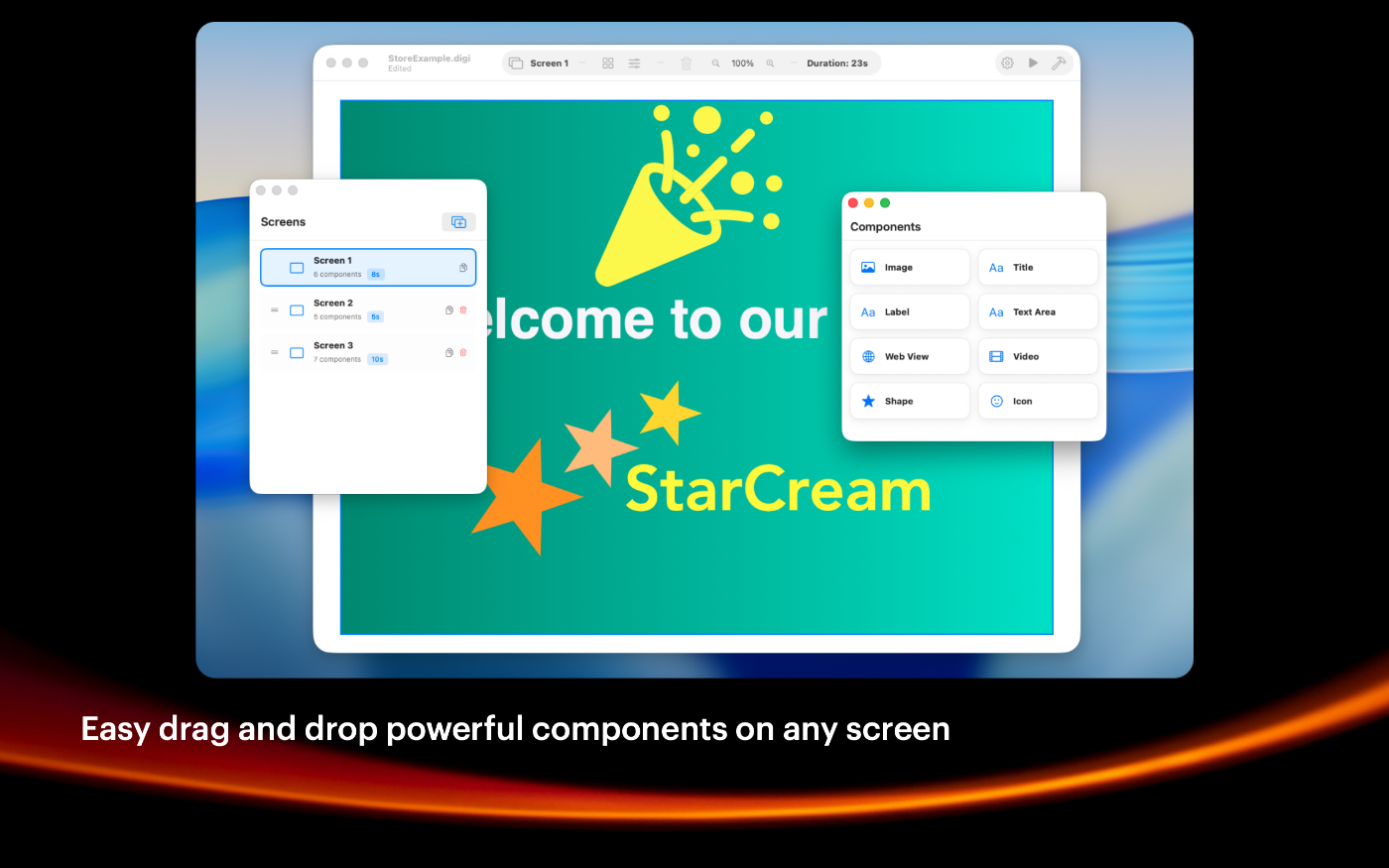
Add the content on screens for your digital signage project with the components window.
Step 3
Use the preview mode to validate the content and effects on your current screen.
Step 4
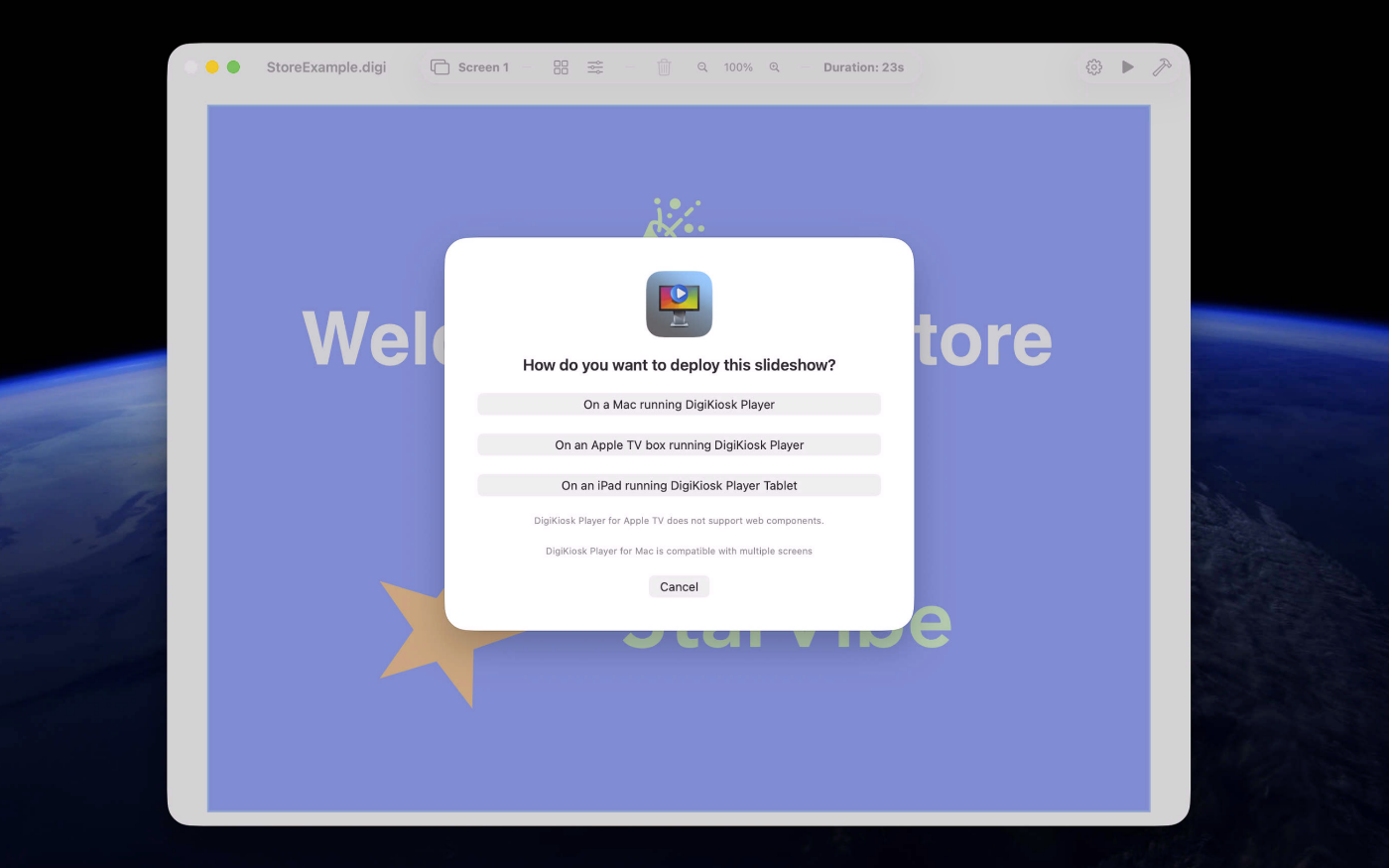
Finally, deploy the content with the player app on any Mac, Apple TV or iPad screens.
SIMPLE TO USE
Main Features
Easy to use
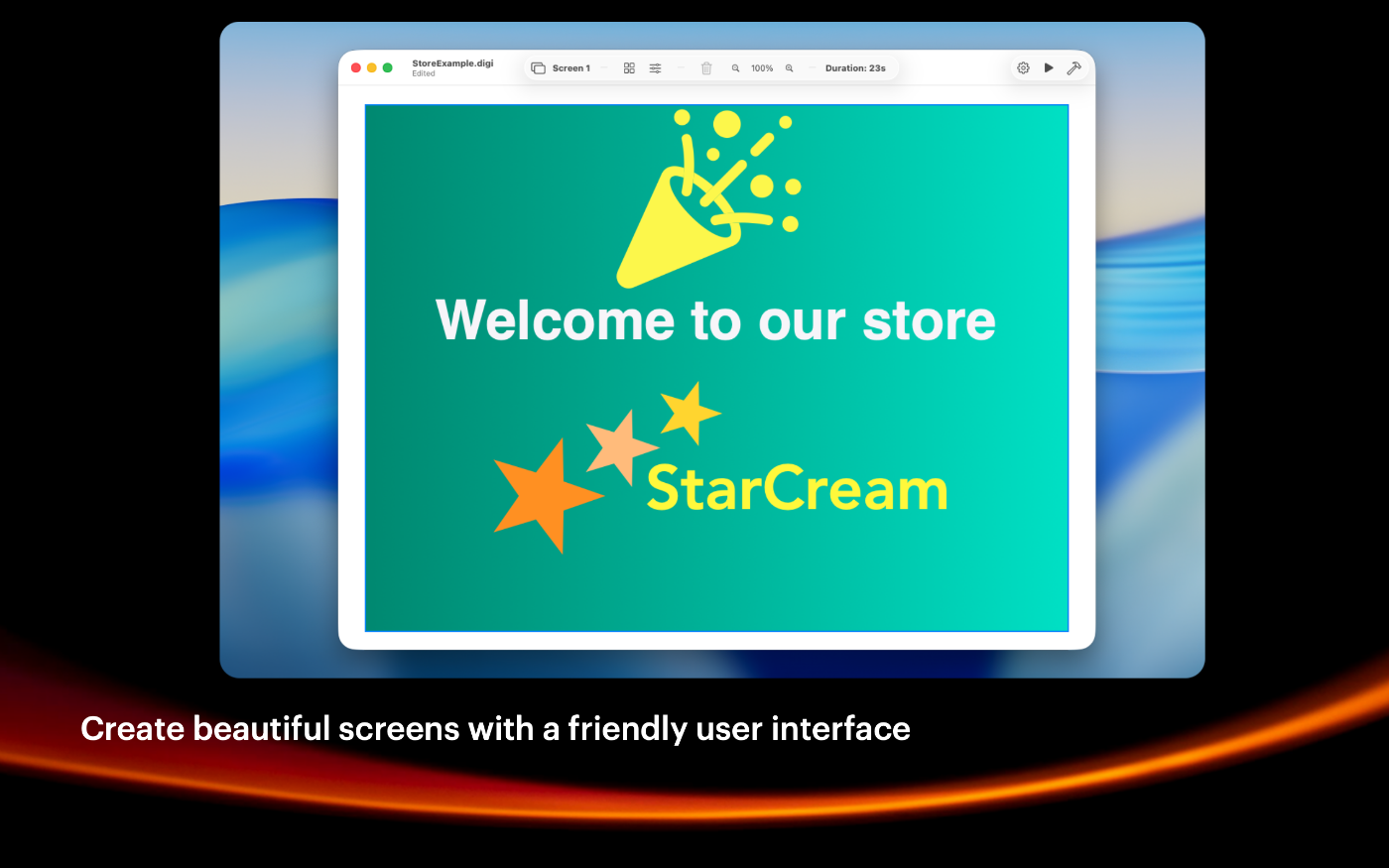
Intuitive user experience, very friendly user interface
Screens management
Manage and create up to 50 screens per digital signage project
Images management
Import JPEG or PNG images or just drag and drop one from the Finder.
Styles management
Apply saved styles to the selected component on any screen
Grid management
You can enable a custom grid with automatic snapping of items
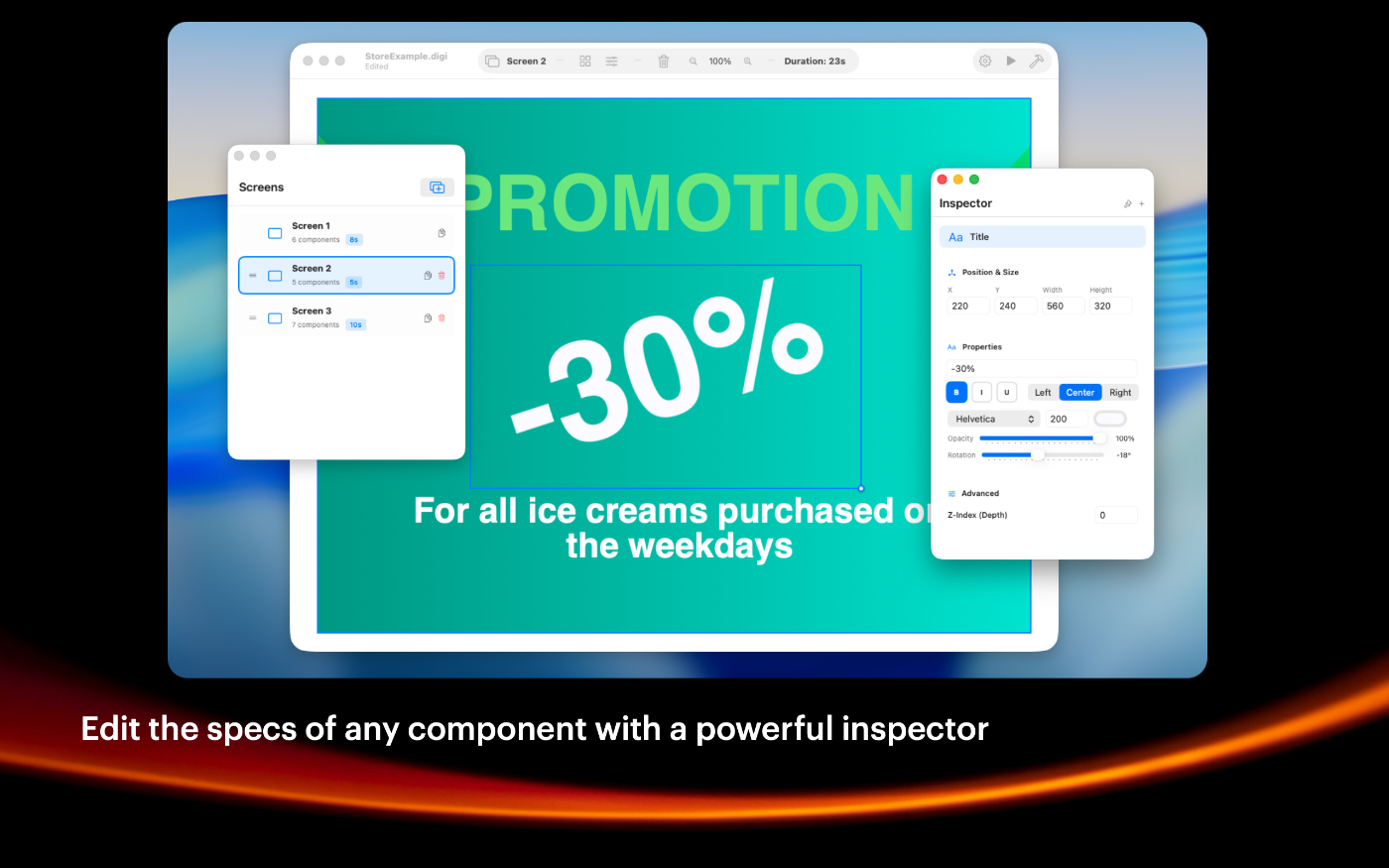
Powerful Inspector
You can change the specs of any item with many options
Deploy with one click
Easily deploy your slideshow on any Mac, Apple TV or iPad
Customizable
Many options are available to tweak projects to your preferences
Screenshots
These screenshots were taken on macOS 26 Tahoe. If you're using an earlier version of macOS, the interface is a bit different.

The Mac mini is recommended for the Mac version of DigiKiosk Player
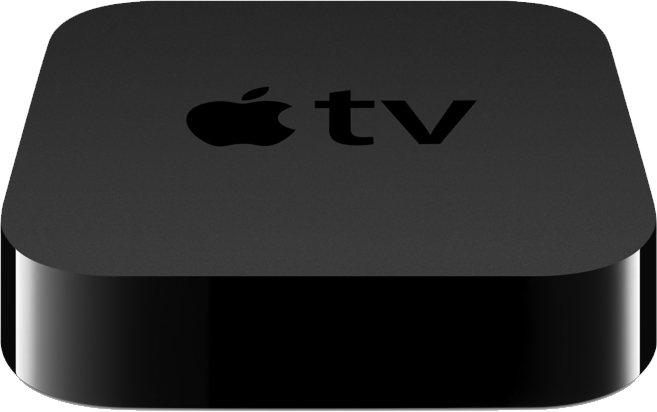
The Apple TV version of DigiKiosk Player is recommended for larger screens
Built with modern foundations
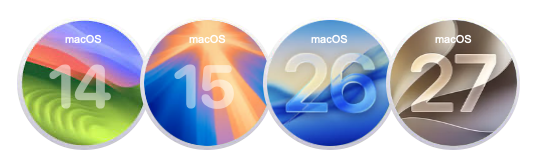
Requires macOS 14 Sonoma or later versions.
Optimized for macOS 26 Tahoe and macOS 27 Golden Gate
Easy to try, easy to buy
This app is incredibly affordable with a simple, one-time purchase—no recurring subscription fees. Plus, we offer fantastic quantity discounts, so the more you buy, the more you save! Try out the full functionality in our free trial version, and when you’re ready, unlock all features by purchasing a license.
Purchase options
Xproline Store Apple Mac App StoreEnjoy significant savings when you purchase multiple licenses. Payment options: Apple Pay or Credit Card. Pricing for the Mac App Store version varies by country and Apple's policy.