
HelloKiosk 3.5
Deploy AI assistants for public kiosks
Works with OpenAI, Mistral AI, Gemini, Anthropic, DeepSeek and Ollama models

Description
HelloKiosk transforms any Mac into an intelligent AI-powered kiosk that delivers personalized assistance to visitors, customers, and employees. Whether you're welcoming guests in a museum, helping shoppers in a retail store, answering questions in a corporate lobby, or providing self-service information at a trade show, HelloKiosk creates engaging, natural conversations that enhance every interaction.
Connect to leading AI providers or local AI models, define your own system prompts, and customize the interface to reflect your organization's brand and objectives. With support for both voice and text interactions, HelloKiosk provides fast, consistent, and accurate responses while secure kiosk controls ensure users stay focused on the experience you designed.
Built natively for macOS, HelloKiosk combines enterprise-grade security, flexible AI integration, and an elegant user experience in a single solution. Spend less time answering repetitive questions and more time delivering exceptional visitor experiences through intelligent self-service powered by the latest AI technologies. The desktop version DeskAgent is also available on Elonovo website.
Download link for Mac
The trial version is limited (can be unlocked by purchasing a license).
Trial version Changelog Frequently Asked QuestionsVersion 3.5.7. Available in English, French, German, Italian, Spanish, Dutch, Portuguese, Korean, Chinese and Japanese languages. Requires macOS 14 or later versions. Universal binary optimized for Intel and Apple Silicon processors. Notarized by Apple secure service to prevent malware. We recommend RemoteLook for reliable kiosks monitoring.
Purchase options
Xproline Store Apple Mac App StoreEnjoy significant savings when you purchase multiple licenses. Payment options: Apple Pay or Credit Card. Pricing for the Mac App Store version varies by country and Apple's policy.
If you need help setting up your AI models, just contact us to get a custom quote.
Step 1
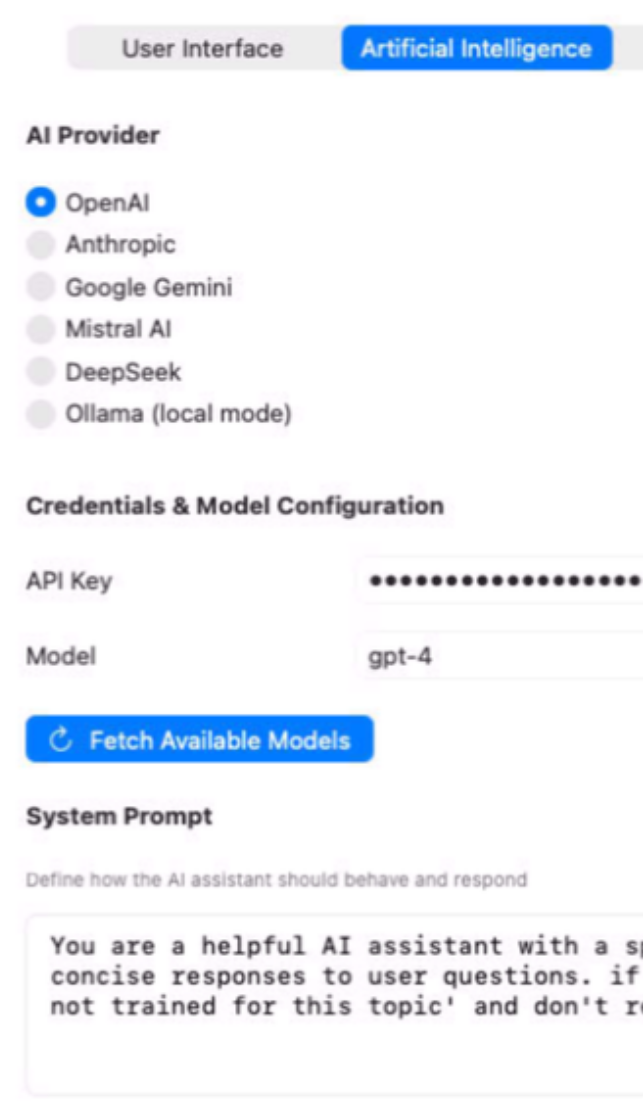
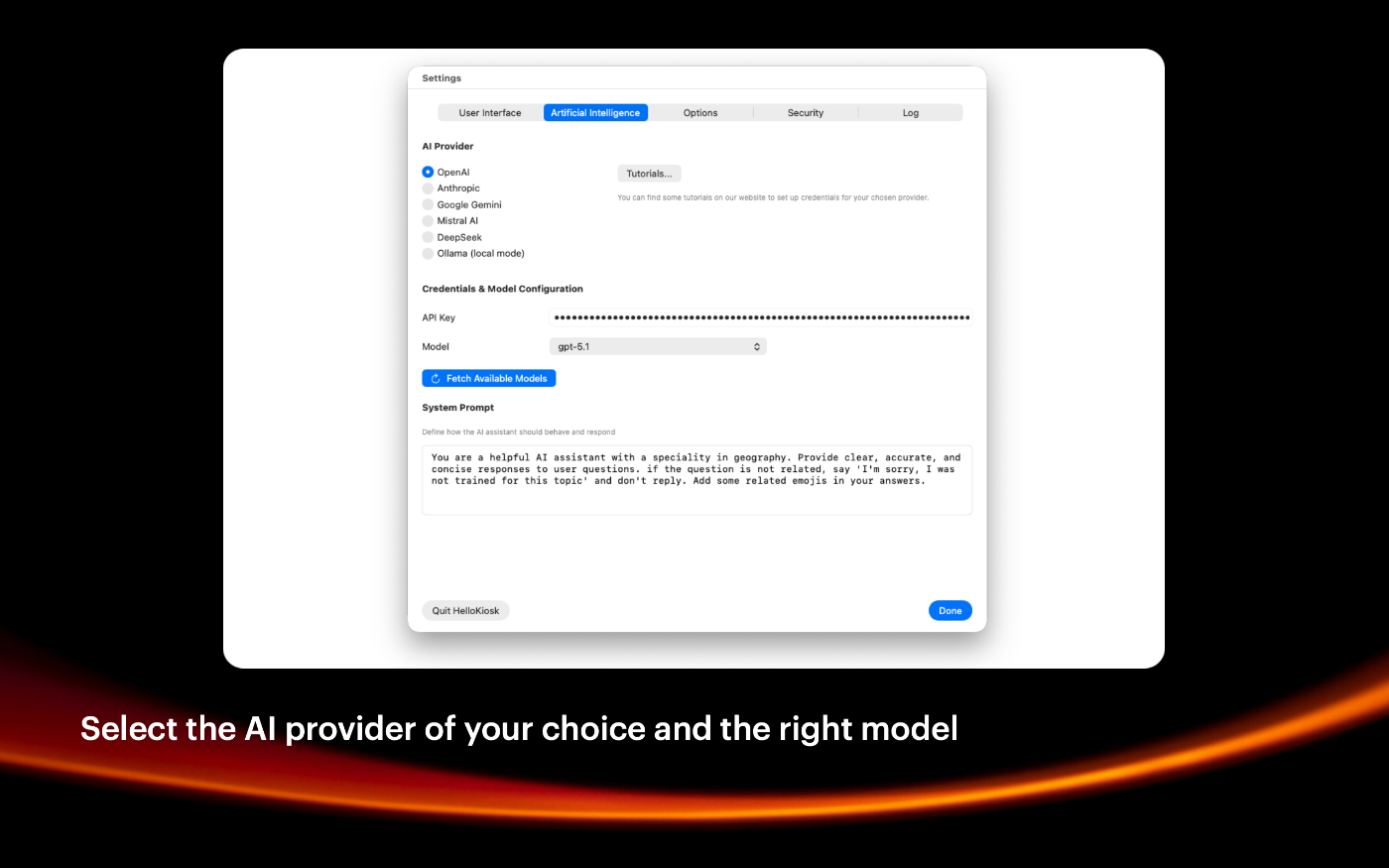
Launch HelloKiosk app and go to settings. Select your provider in the AI segment.
Step 2
Setup the API key of the selected provider, choose a model and define the default system prompt.
Step 3
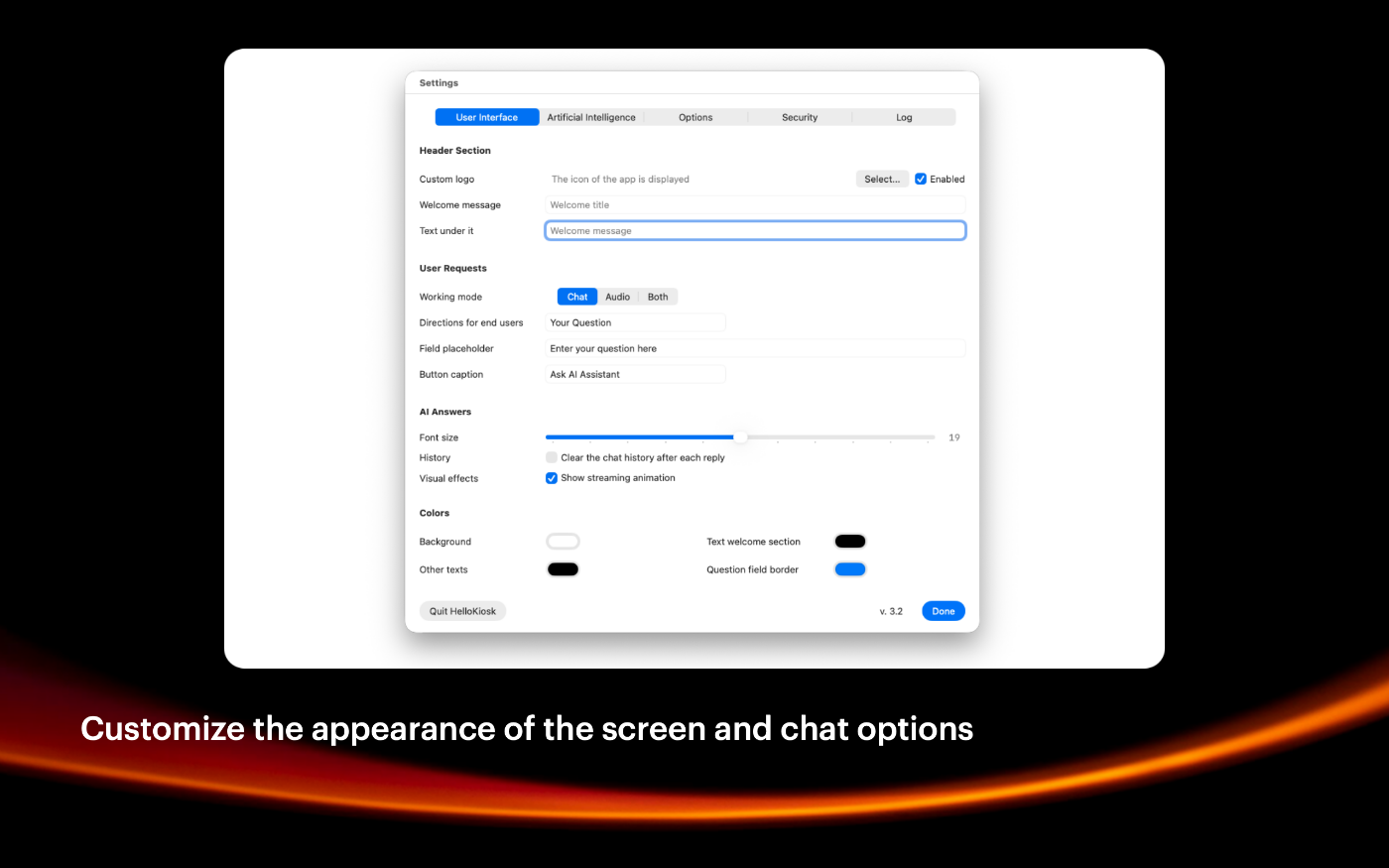
Move to the interface segment and define the look and feel of the kiosk with many options.
Step 4
Click on Done. Users can now chat with the selected artificial intelligence model.
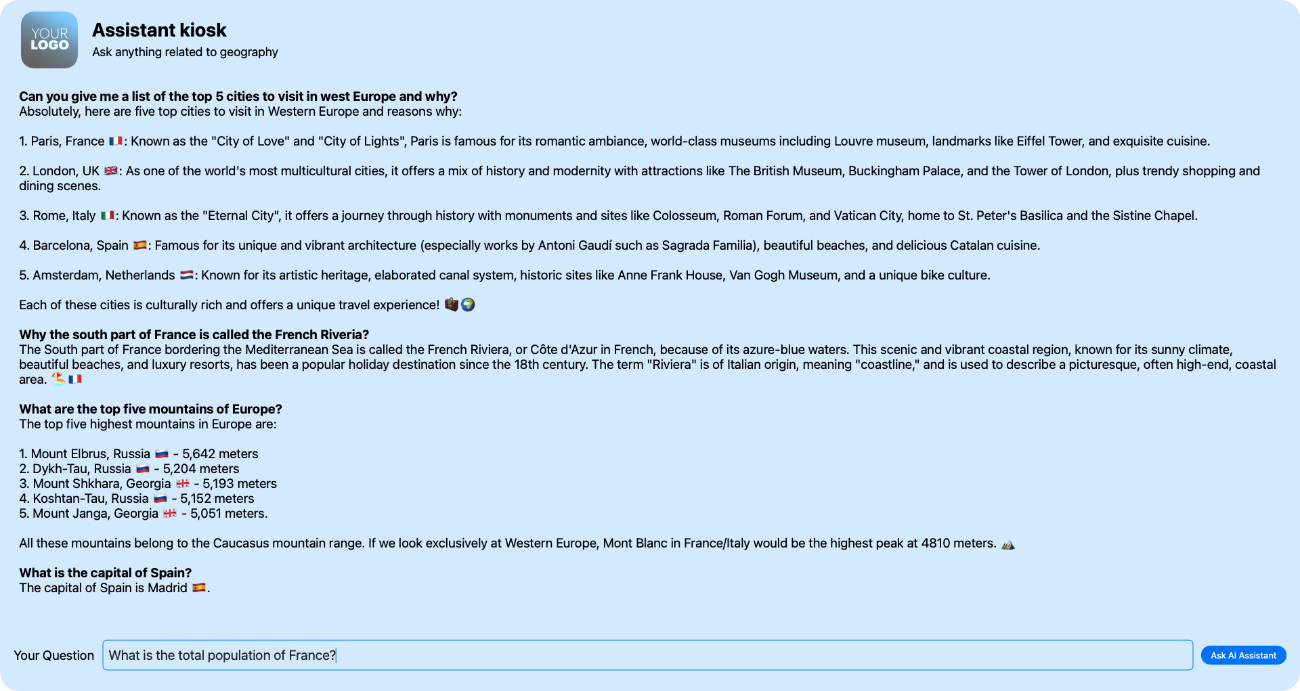
SIMPLE TO USE
Main Features
Full screen mode
Simplified user experience, you can hide Apple menu bar in settings
Password option
You can protect the access to preferences with a password
AI made accessible
We built the first kiosk app for public spaces with artificial intelligence
Choice of AI service
You can use OpenAI, Mistral AI, Anthropic, DeepSeek, Google Gemini and more
Custom Prompt
You can define the behavior of the AI engine and the tone of replies
Protected system
System keys to exit the app or switch apps can be disabled with many options
Latest models available
You can always refresh the list of AI models in settings and select new ones
Built for Mac
Using Swift and SwiftUI languages for high performance
Screenshots
These screenshots were taken on macOS 26 Tahoe. If you're using an earlier version of macOS, the interface is a bit different.
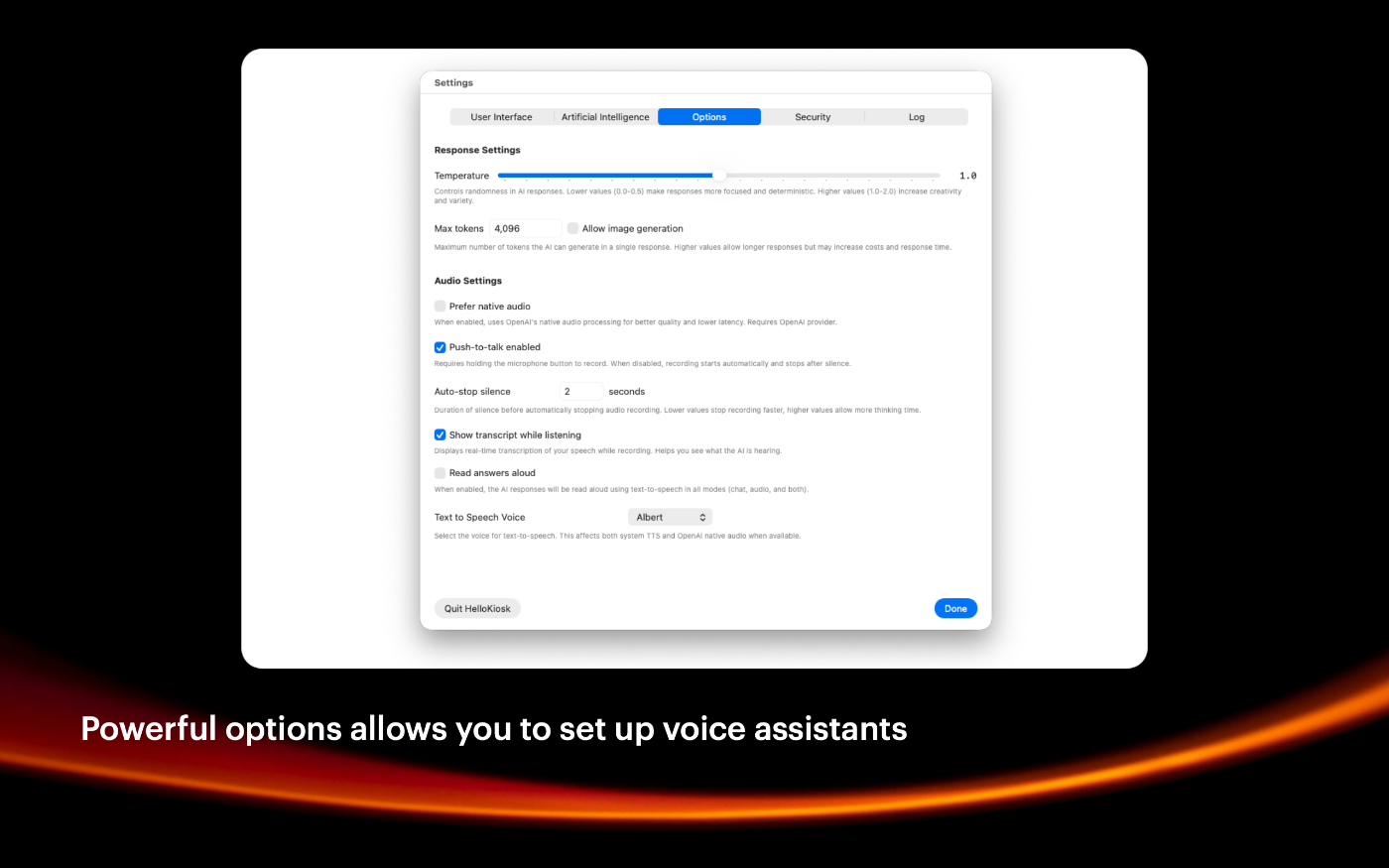
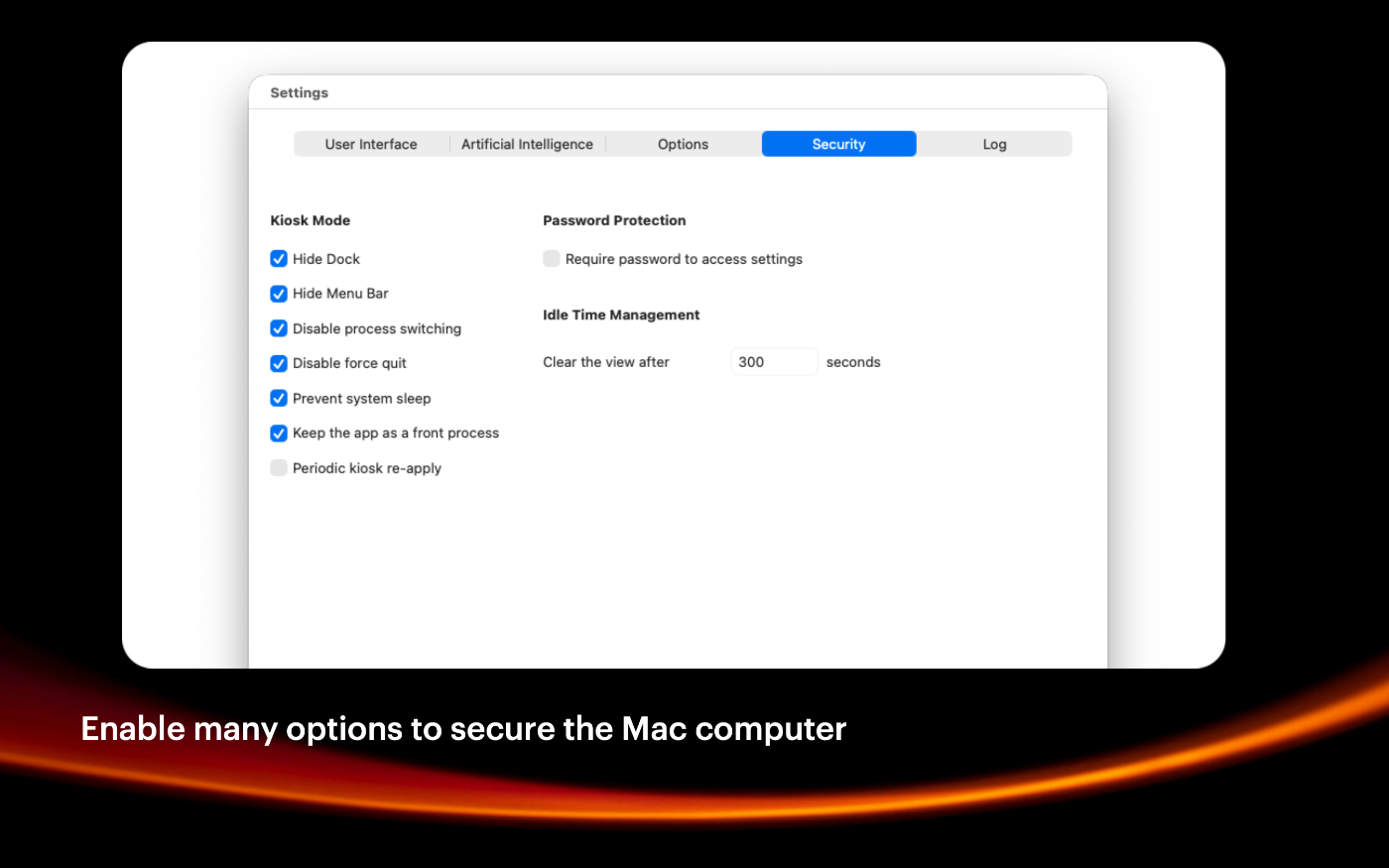
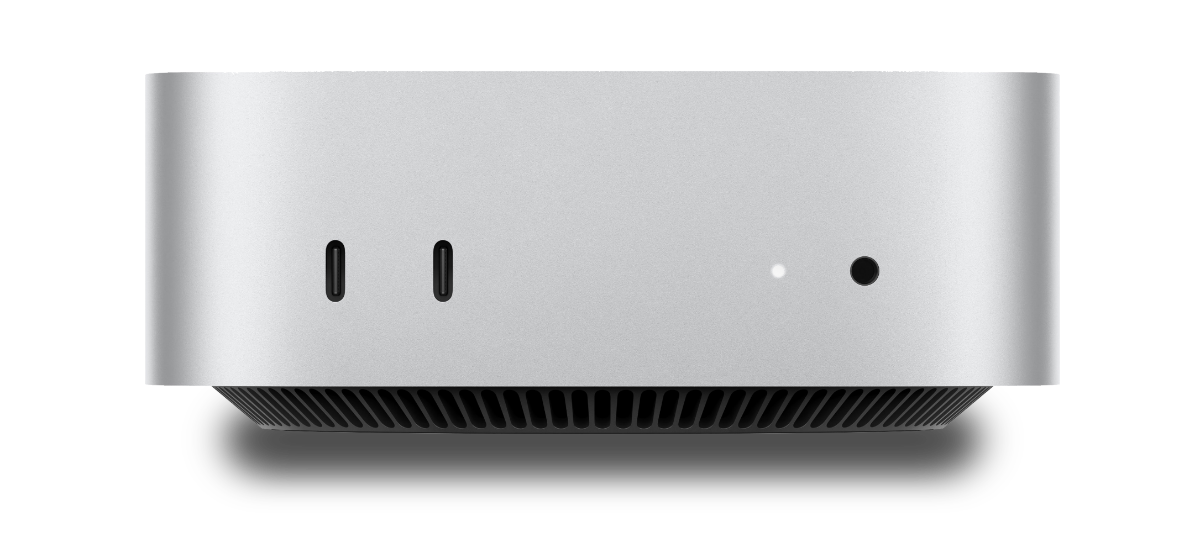
The Mac mini is recommended as a reliable and secure solution
Built with modern foundations
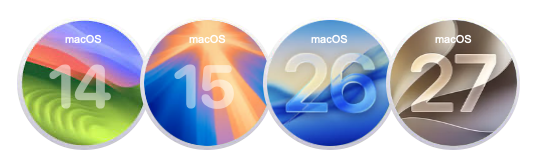
Requires macOS 14 Sonoma or later versions.
Optimized for macOS 26 Tahoe and macOS 27 Golden Gate
Easy to try, easy to buy
This app is incredibly affordable with a simple, one-time purchase—no recurring subscription fees. Plus, we offer fantastic quantity discounts, so the more you buy, the more you save! Try out the full functionality in our free trial version, and when you’re ready, unlock all features by purchasing a license.
Purchase option
Xproline Store Apple Mac App StoreEnjoy significant savings when you purchase multiple licenses. Payment options: Apple Pay or Credit Card. Pricing for the Mac App Store version varies by country and Apple's policy.