
HelloKiosk Tablet 3.5
Deploy AI assistants for public kiosks
Works with OpenAI, Mistral AI, Gemini, Anthropic, DeepSeek and Ollama models
Description
HelloKiosk transforms any iPad into an intelligent AI-powered kiosk that delivers personalized assistance to visitors, customers, and employees. Whether you're welcoming guests in a museum, helping shoppers in a retail store, answering questions in a corporate lobby, or providing self-service information at a trade show, HelloKiosk creates engaging, natural conversations that enhance every interaction.
Connect to leading AI providers or local AI models, define your own system prompts, and customize the interface to reflect your organization's brand and objectives. With support for both voice and text interactions, HelloKiosk provides fast, consistent, and accurate responses while secure kiosk controls ensure users stay focused on the experience you designed.
Built natively for iPadOS, HelloKiosk combines enterprise-grade security, flexible AI integration, and an elegant user experience in a single solution. Spend less time answering repetitive questions and more time delivering exceptional visitor experiences through intelligent self-service powered by the latest AI technologies.
Download link for iPad
Apple App Store ChangelogPricing for the App Store version varies by country and Apple's policy.
Version 3.5.6. Available in English, French, German, Italian, Spanish, Dutch, Portuguese, Korean, Chinese and Japanese languages. Requires iPadOS 17 or later versions. There is no trial version for iPad.
If you need help setting up your AI models, just contact us to get a custom quote.
Step 1
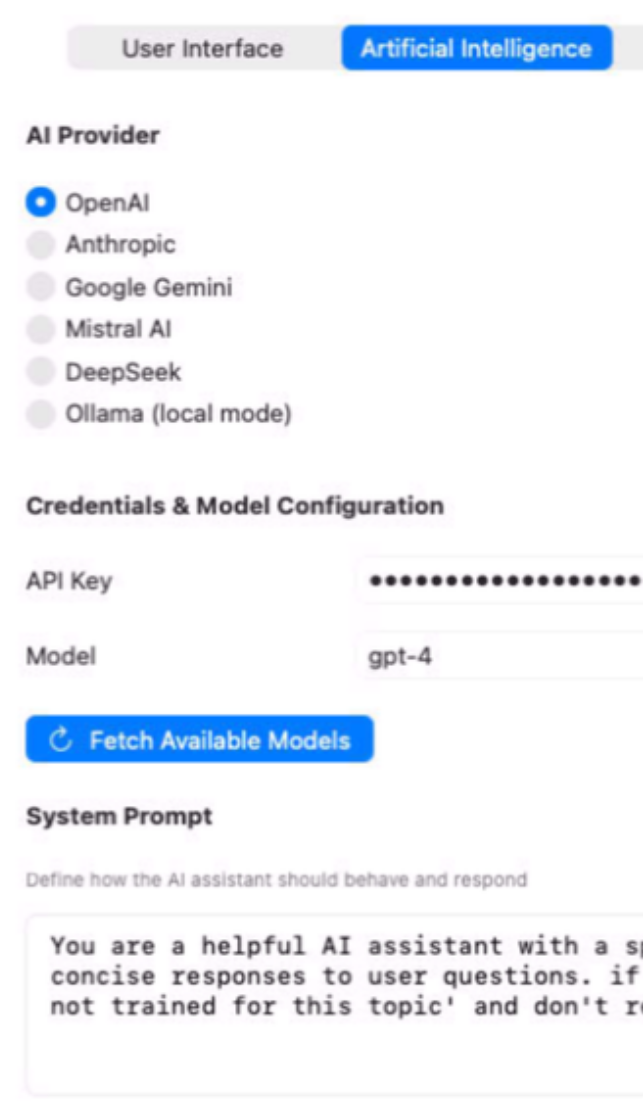
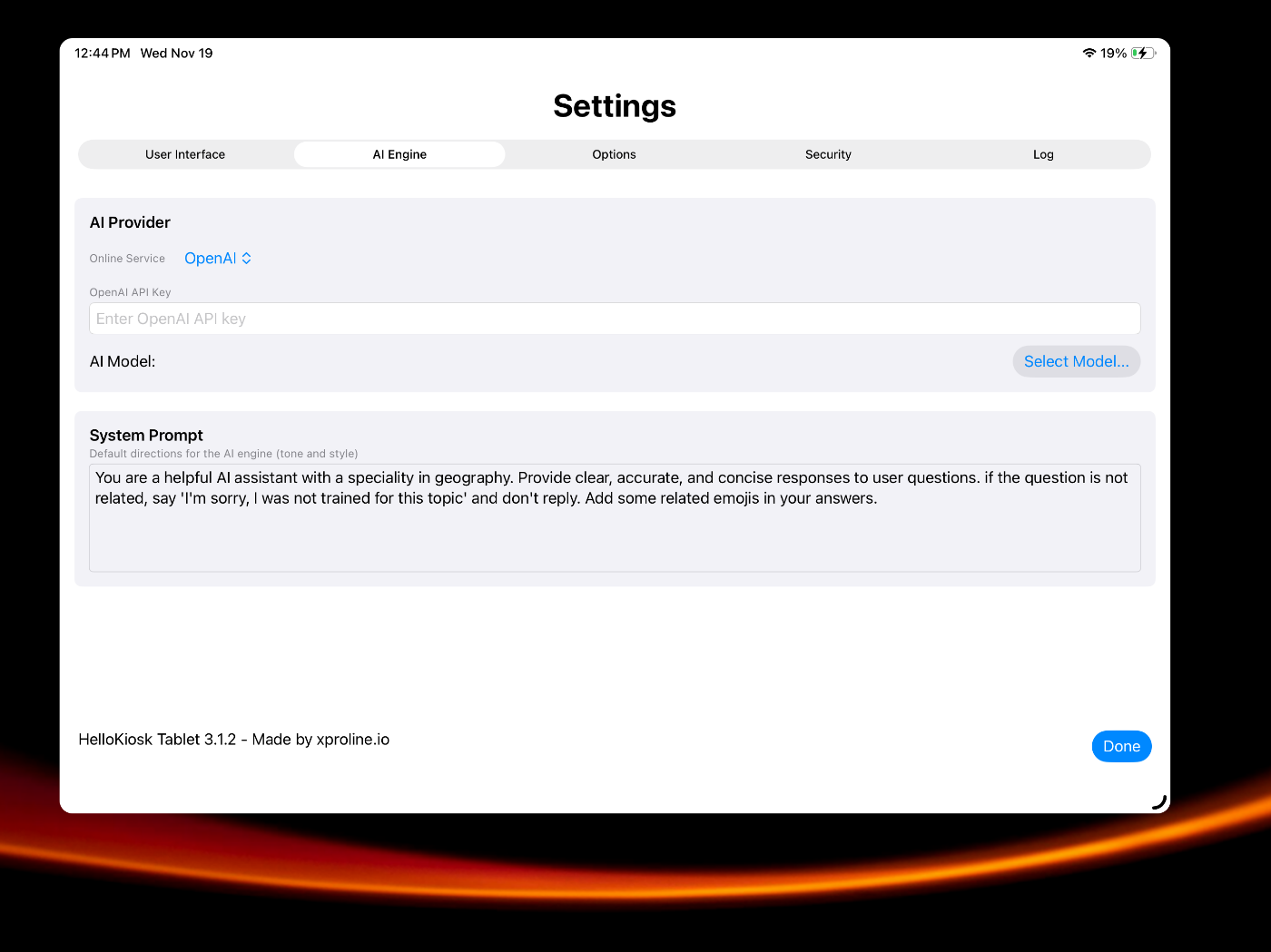
Launch HelloKiosk app and go to settings. Select your provider in the AI Engine segment.
Step 2
Setup the API key of the selected provider, choose a model and define the default system prompt.
Step 3
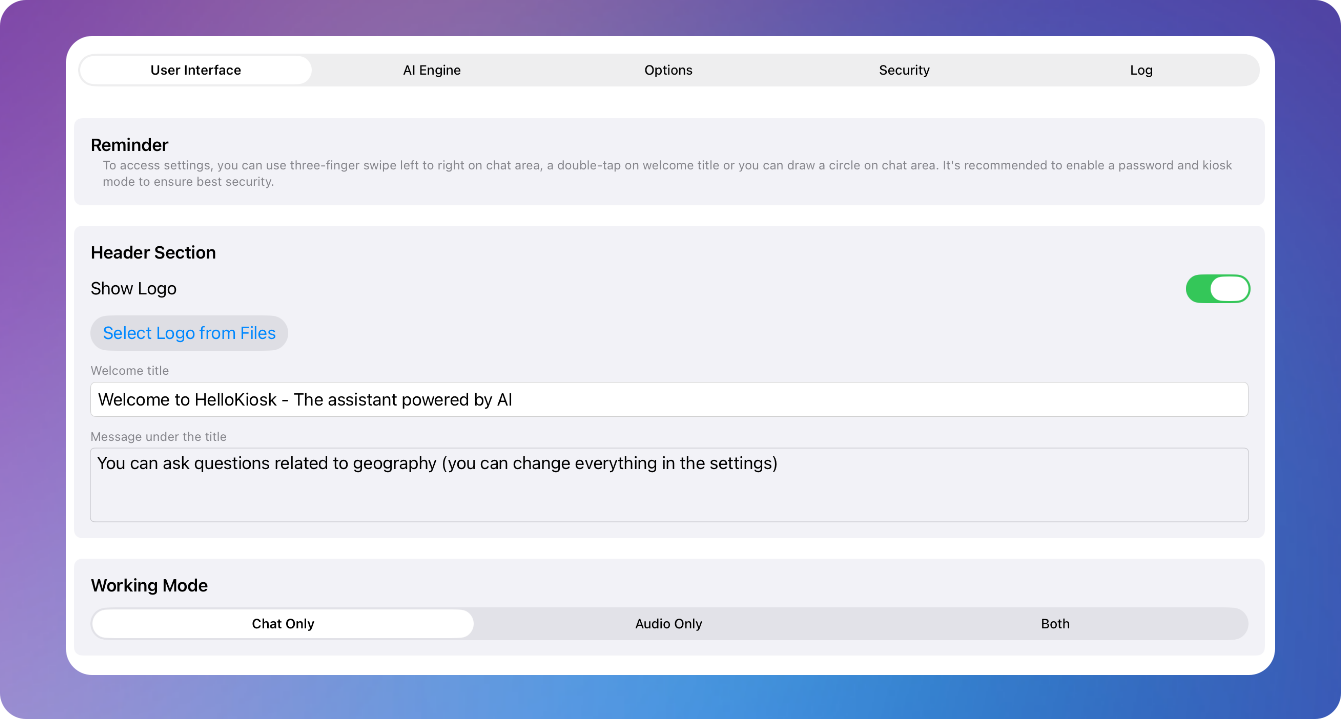
Move to the interface segment and define the look and feel of the kiosk with many options.
Step 4
Click on Done. Users can now chat with the selected artificial intelligence model.
SIMPLE TO USE
Main Features
Full screen mode
Simplified user experience optimized for kiosk mode
Password option
You can protect the access to preferences with a password
AI made accessible
We built the first kiosk app for public spaces with artificial intelligence
Choice of AI service
You can use OpenAI, Mistral AI, Anthropic, DeepSeek, Google Gemini and more
Custom Prompt
You can define the behavior of the AI engine and the tone of replies
Protected system
System keys to exit the app or switch apps can be disabled with many options
Latest models available
You can always refresh the list of AI models in settings and select new ones
Modern engine
Now built with Swift for better performance
Screenshots
These screenshots were taken on iPadOS 26. If you're using an earlier version of iPadOS, the interface is a bit different.

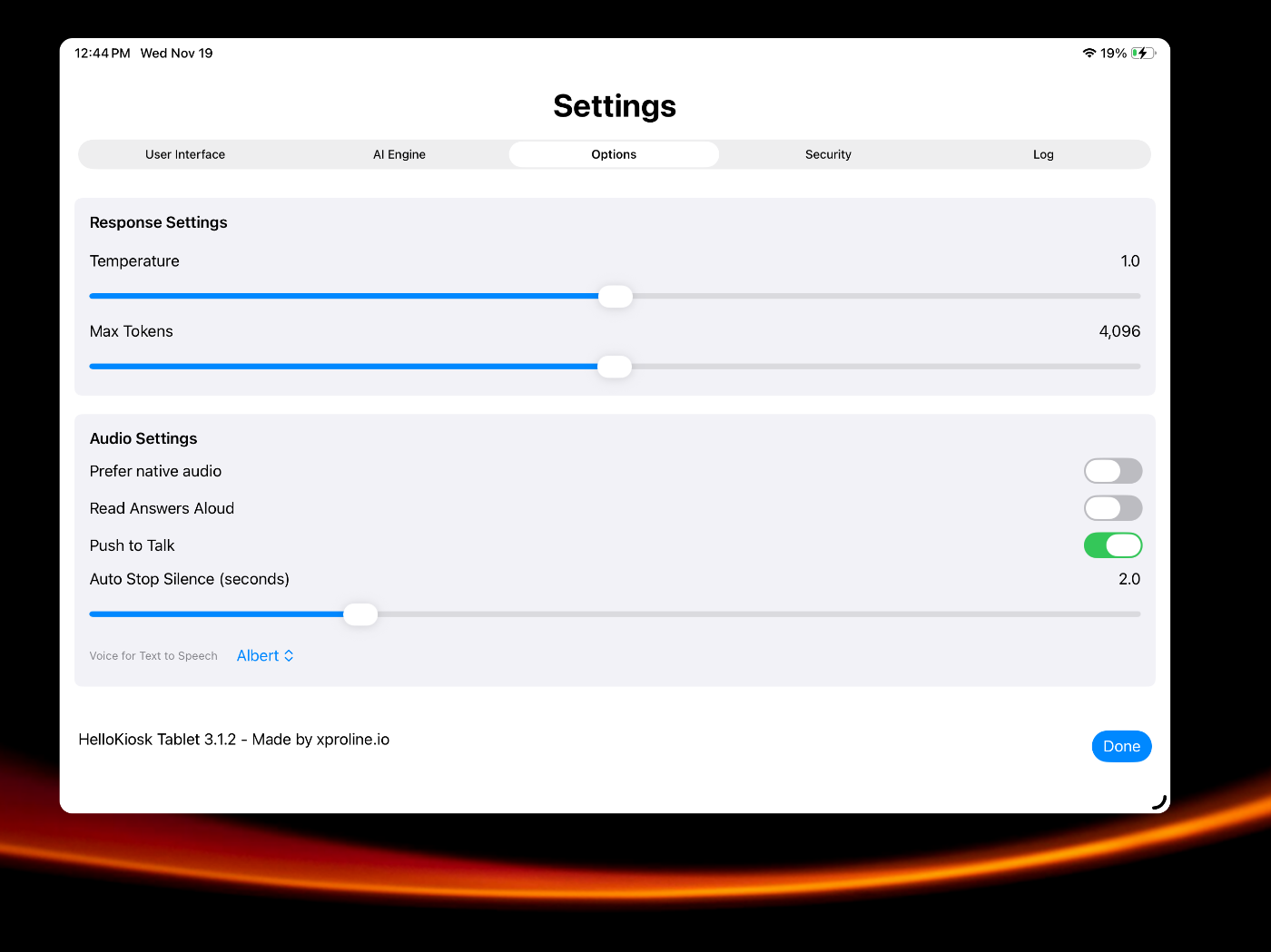
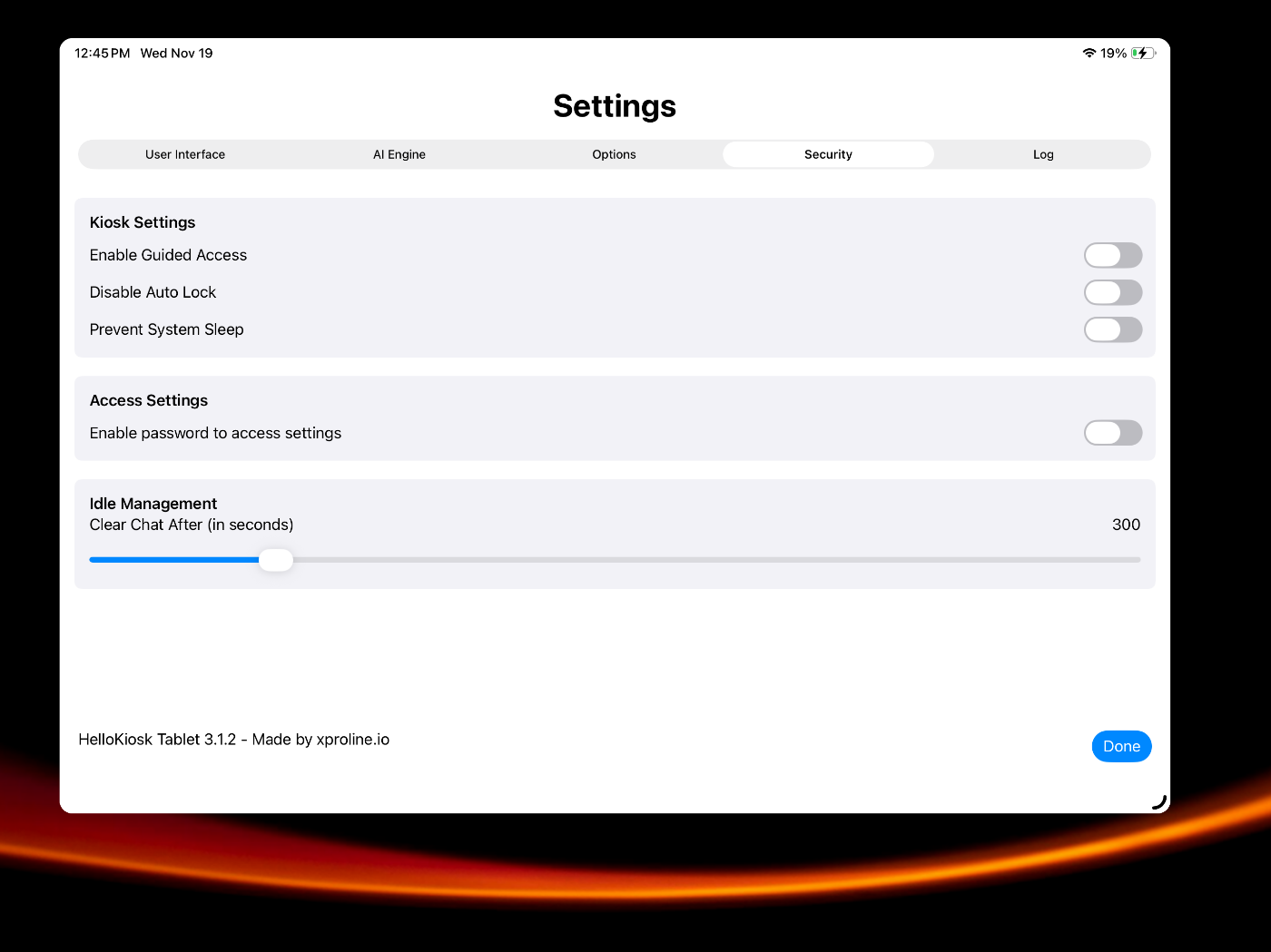
Built for modern versions of iPadOS
Requires iPadOS 17 or later versions.
Optimized for iPadOS 26