
FrontKiosk 1.2
The app launcher for kiosk environments
The best tool to use multiple native apps in kiosk mode

Description
FrontKiosk transforms any Mac into a secure, branded multi-application kiosk environment, allowing users to access only the tools you approve while keeping the operating system completely protected. Whether you're deploying self-service terminals, digital workstations, visitor stations, training environments, or public access computers, FrontKiosk delivers a professional experience without compromising security.
Unlike traditional kiosk software that restricts users to a single application or web page, FrontKiosk lets you build a custom launcher with multiple native macOS applications. Create a personalized workspace that reflects your brand, streamline user workflows, and ensure visitors remain focused on authorized tasks while preventing access to system settings, files, and other restricted areas.
Built natively for macOS, FrontKiosk combines enterprise-grade security, flexibility, and a modern user experience in one powerful solution. Spend less time managing public computers and more time delivering reliable, secure, and engaging kiosk deployments that are easy to maintain and built to scale.
Download link for Mac
The trial version is limited (can be unlocked by purchasing a license).
Trial version Changelog Frequently Asked QuestionsVersion 1.2.2. Available in English, French, German, Italian, Spanish, Dutch, Portuguese, Korean, Chinese and Japanese languages. Requires macOS 14 or later versions. Universal binary optimized for Intel and Apple Silicon processors. Notarized by Apple secure service to prevent malware. We recommend RemoteLook for reliable kiosks monitoring.
Purchase a license
Xproline StoreEnjoy significant savings when you purchase multiple licenses. Payment options: Apple Pay or Credit Card.
Step 1
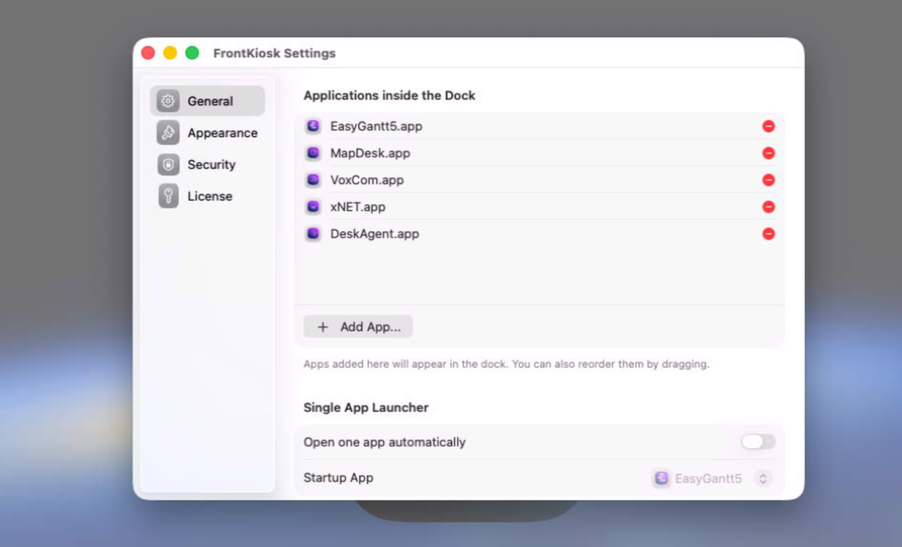
Set up the list of authorized apps using drag and drop.
Step 2
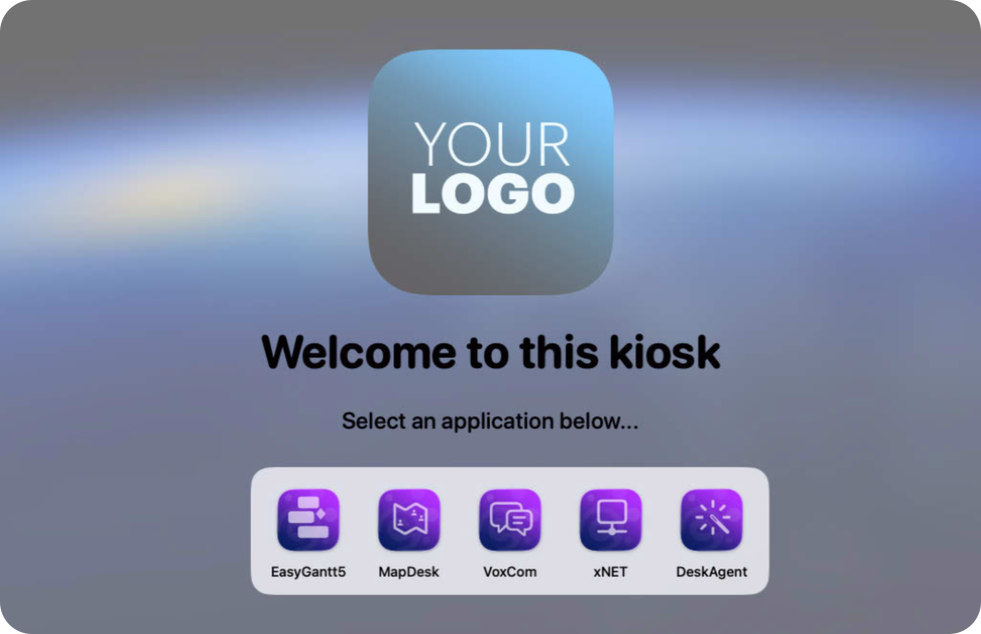
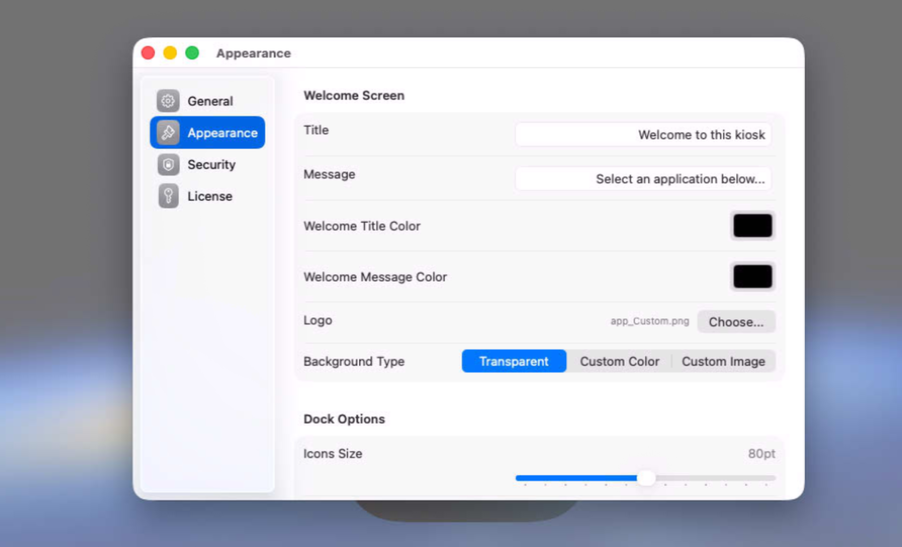
Define the content of the welcome screen with many options
Step 3
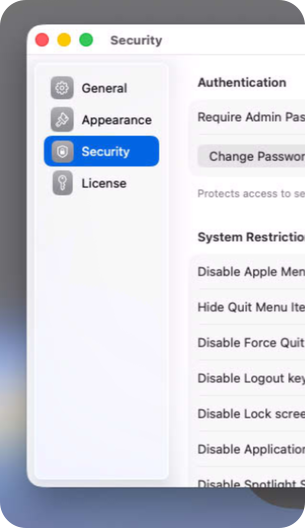
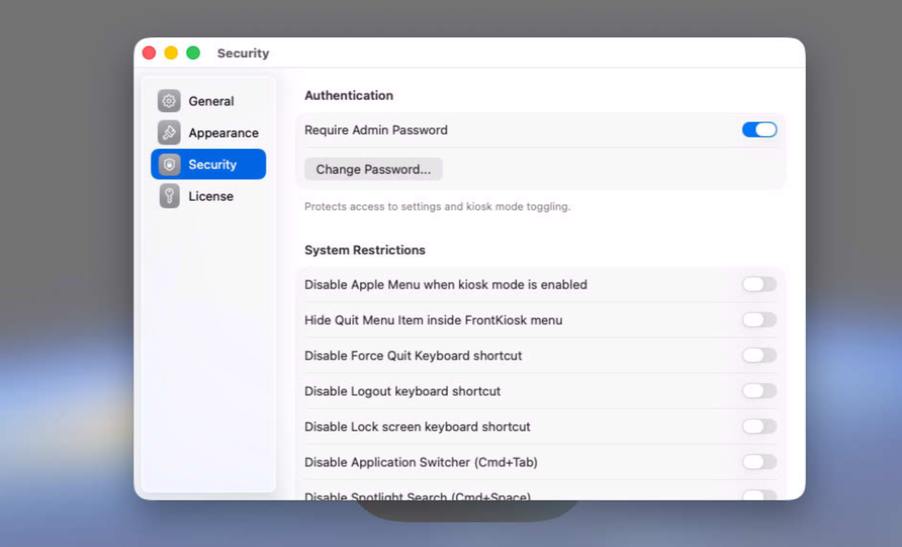
Enable the security options relevant to your use case
Step 4
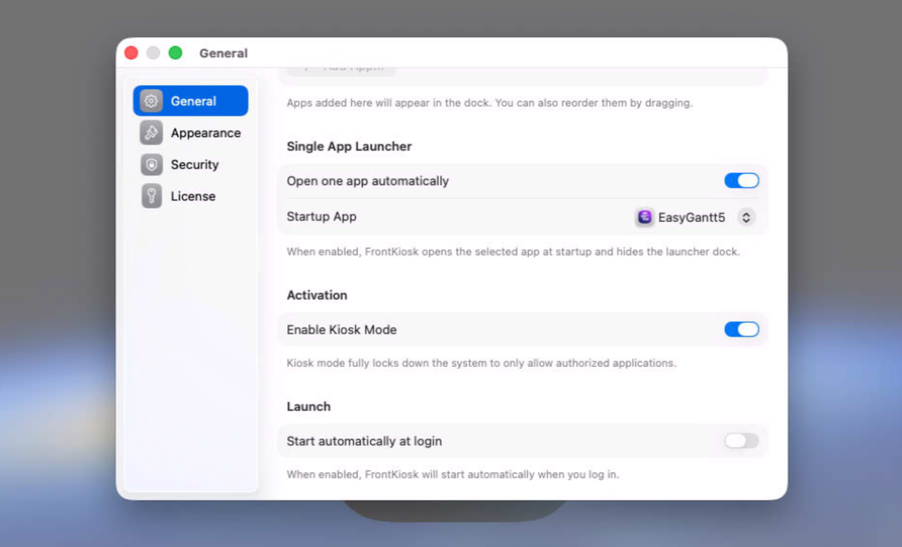
You are ready to enable the kiosk mode for native apps
SIMPLE TO USE
Main Features
Easy to use
Intuitive user experience, very friendly user interface
Welcome screen
You can customize the welcome screen with your logo
Settings
You can set up the list of authorized apps with many options
Protected
You can block the Finder to protect your Mac
Screenshots
These screenshots were taken on macOS 26 Tahoe. If you're using an earlier version of macOS, the interface is a bit different.
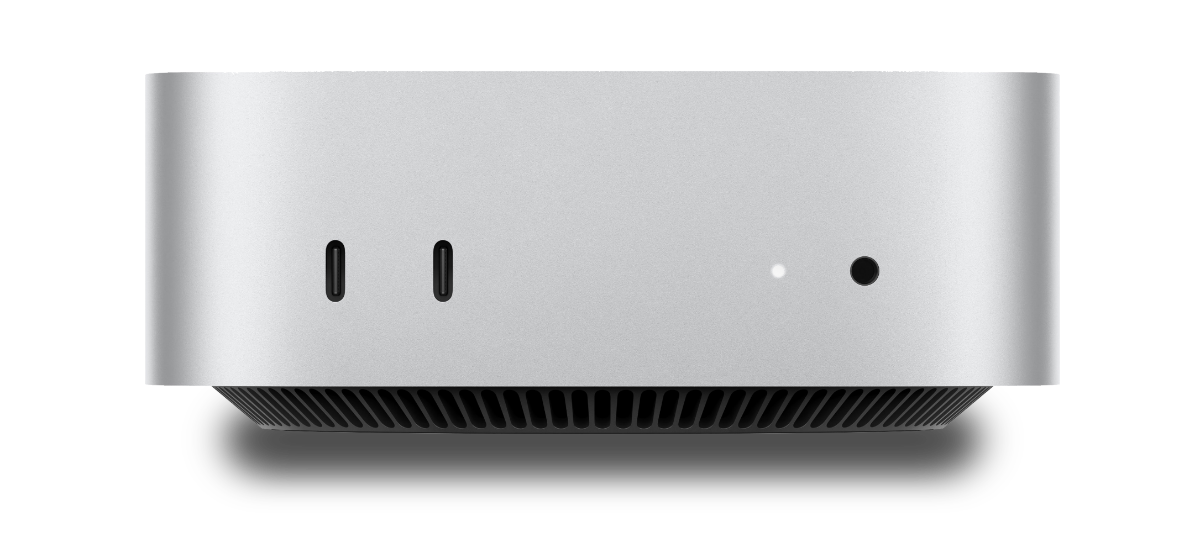
The Mac mini is recommended as a reliable solution
Built with modern foundations
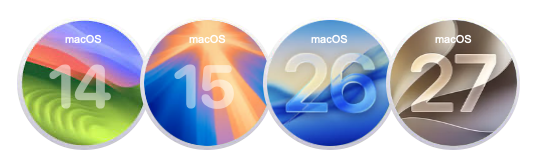
Requires macOS 14 Sonoma or later versions.
Optimized for macOS 26 Tahoe and macOS 27 Golden Gate
Easy to try, easy to buy
This app is incredibly affordable with a simple, one-time purchase—no recurring subscription fees. Plus, we offer fantastic quantity discounts, so the more you buy, the more you save! Try out the full functionality in our free trial version, and when you’re ready, unlock all features by purchasing a license.
Purchase a license
Xproline StoreEnjoy significant savings when you purchase multiple licenses. Payment options: Apple Pay or Credit Card.