
AppKiosk 2.7
Easily build custom kiosk apps
The best tool for design agencies and native kiosk projects

Description
AppKiosk empowers you to create professional native kiosk applications without writing code. Whether you're building interactive experiences for museums, visitor centers, trade shows, retail stores, corporate lobbies, or educational environments, AppKiosk helps you transform ideas into polished touchscreen applications that engage users and showcase your content.
Design rich, interactive interfaces using native components such as text, images, videos, maps, buttons, and icons through an intuitive visual editor. When your project is ready, deploy it with a single click to the free AppKiosk Player, allowing you to install and run your kiosk applications on as many devices as needed without additional player licensing costs.
Built natively for macOS, AppKiosk combines performance, flexibility, and ease of use in a modern no-code development environment. Spend less time building custom kiosk software and more time creating engaging visitor experiences that reflect your brand while simplifying deployment and long-term maintenance.
Download links for Mac
The trial version is limited (can be unlocked by purchasing a license). The player app is free.
Trial version AppKiosk Player Download ExamplesChangelog Frequently Asked Questions
Version 2.7.2. Available in English, French, German, Italian, Spanish, Dutch, Portuguese, Korean, Chinese and Japanese languages. Requires macOS 14 or later versions. Universal binary optimized for Intel and Apple Silicon processors. Notarized by Apple secure service to prevent malware. We recommend RemoteLook for reliable kiosks monitoring.
Purchase options
Xproline Store Apple Mac App StoreEnjoy significant savings when you purchase multiple licenses. Payment options: Apple Pay or Credit Card. Pricing for the Mac App Store version varies by country and Apple's policy.

Screens Editor App
FREE Player App
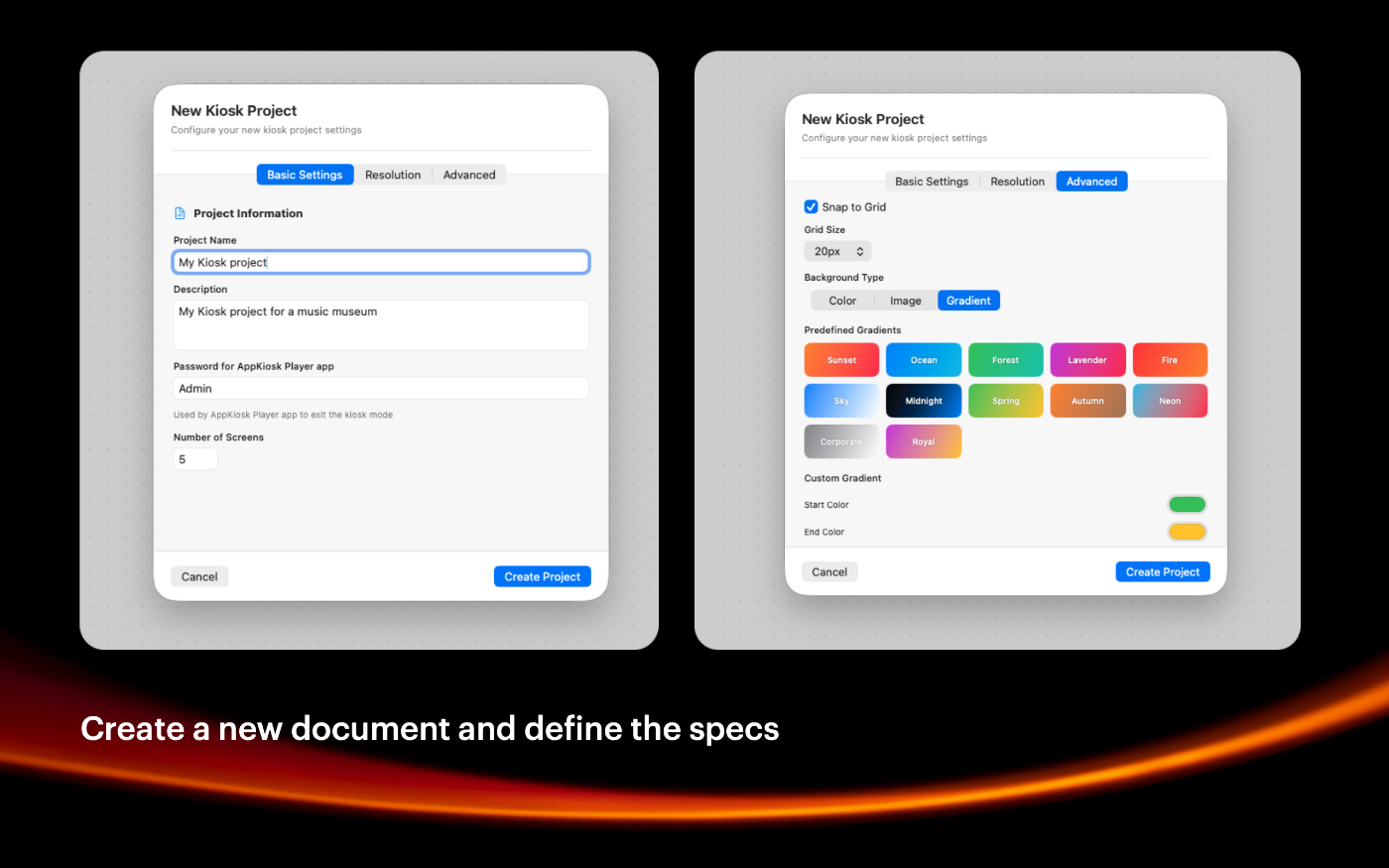
Step 1
Setup the number of screens needed and the screen resolution with many options.
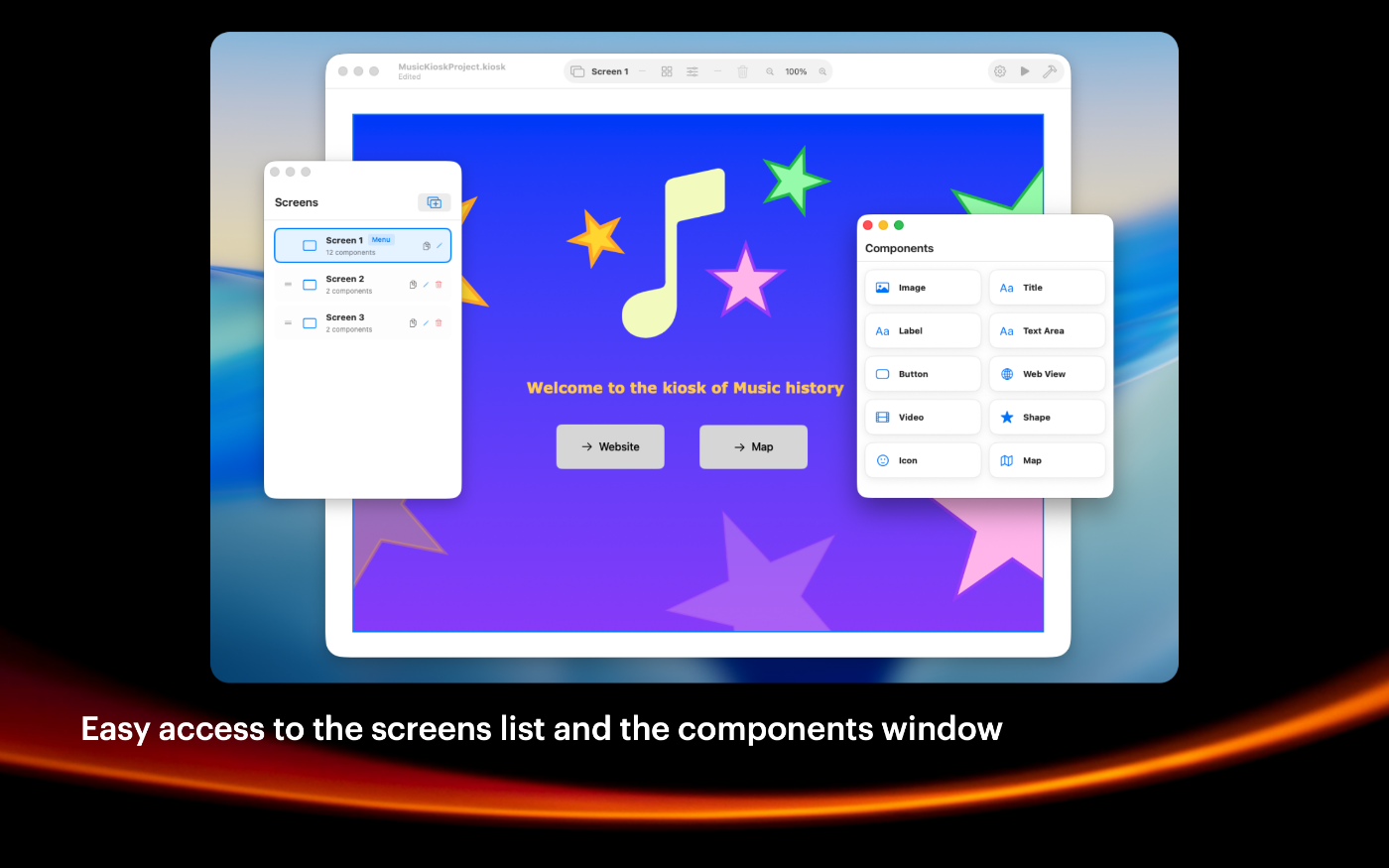
Step 2
Add the content on each screen for your kiosk project with the components window.
Step 3
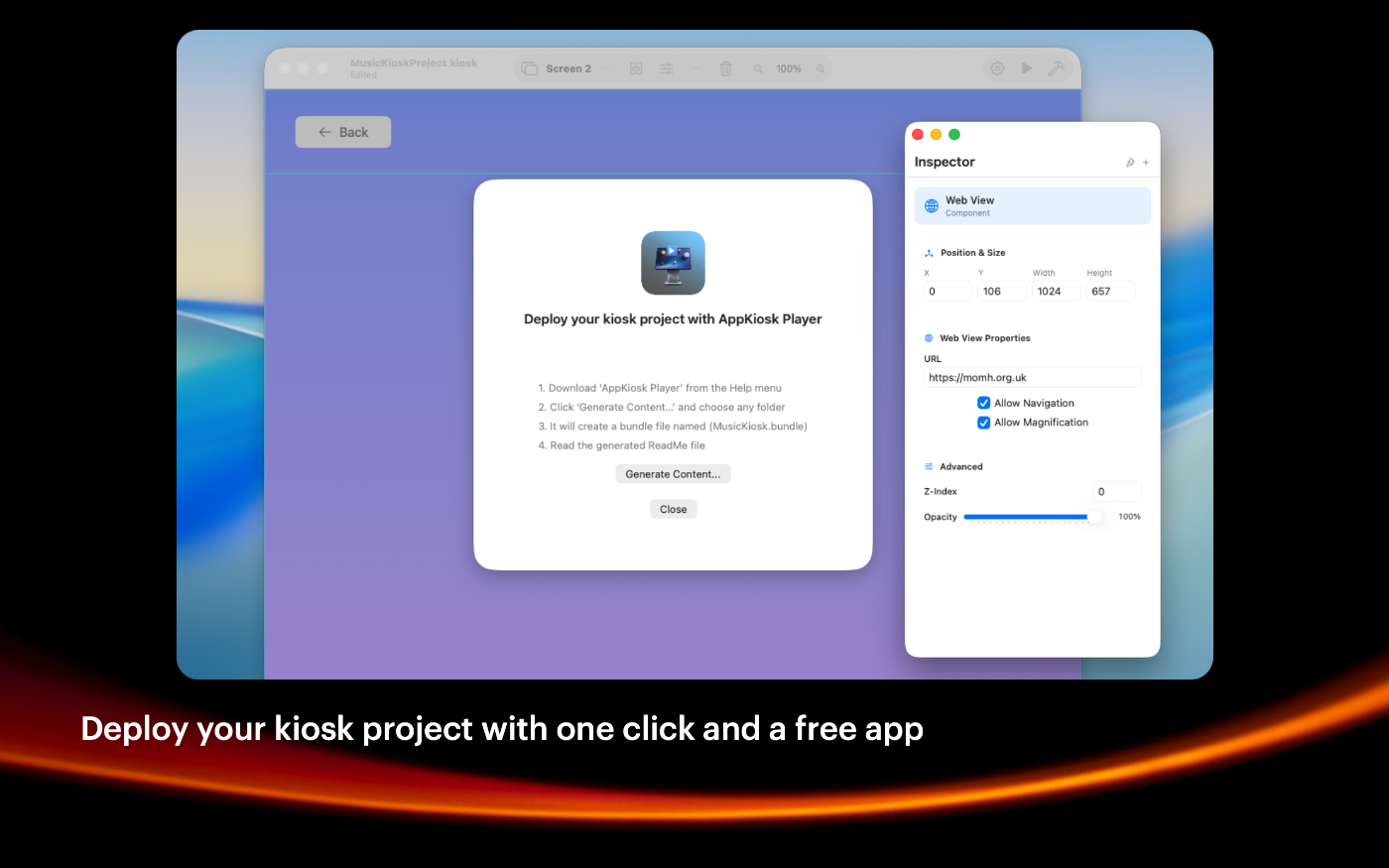
Once you are happy with the preview mode, generate a bundle file using the deploy button.
Step 4
Deploy the free AppKiosk Player app with the generated bundle file on all your kiosks.

SIMPLE TO USE
Main Features
Easy to use
Intuitive user experience, very friendly user interface
Screens management
Build native kiosk apps with up to 50 screens per kiosk project
Images management
Import JPEG or PNG images or just drag and drop one from the Finder.
Styles management
Apply saved styles to the selected component on any screen
Grid management
You can enable a custom grid with automatic snapping of items
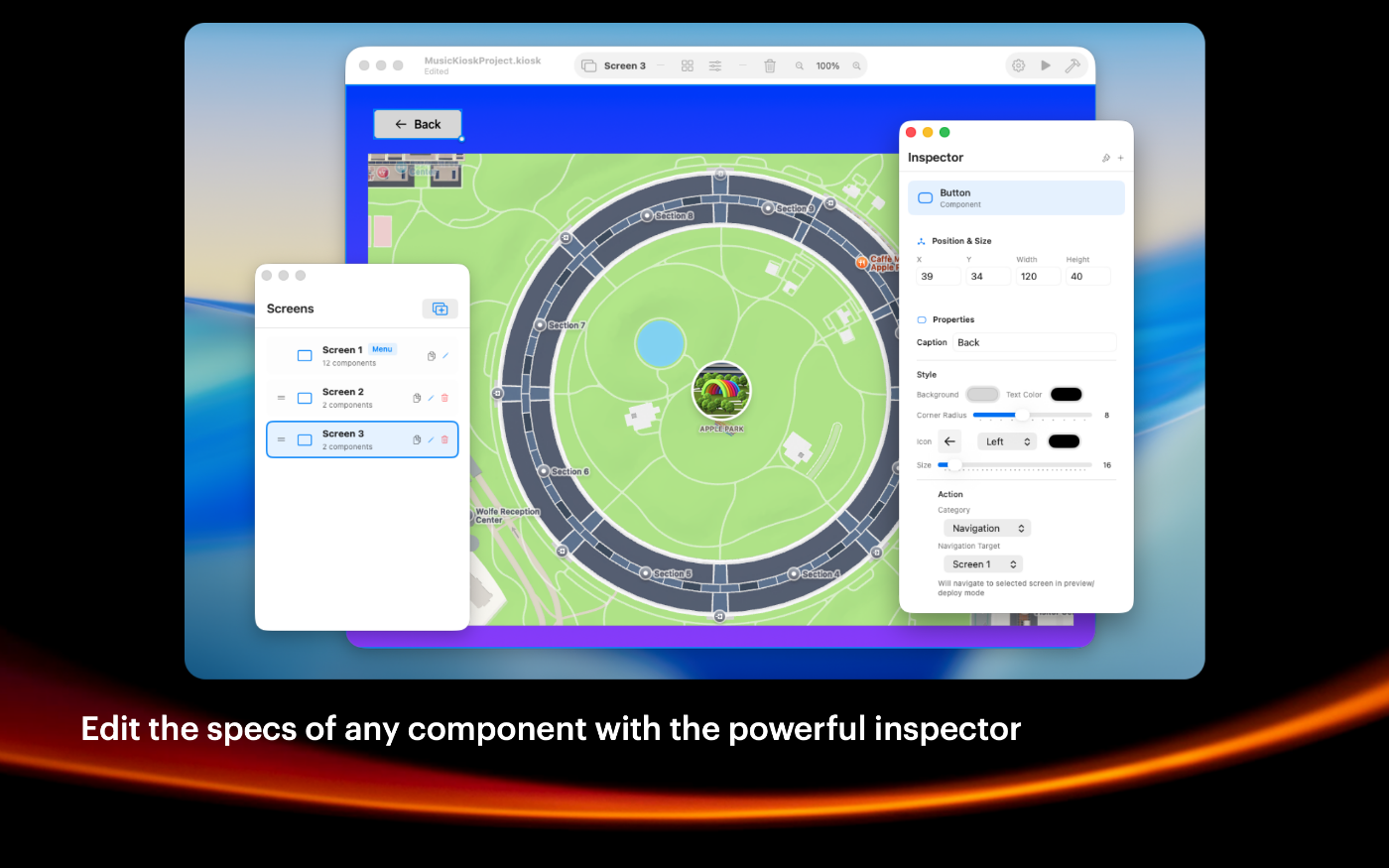
Powerful Inspector
You can change the specs of any item with a friendly user experience
Build unlimited apps
Generate a file compatible with AppKiosk Player app in one click
Protected
You can only exit AppKiosk Player with a keyboard shortcut and a password
Screenshots
These screenshots were taken on macOS 26 Tahoe. If you're using an earlier version of macOS, the interface is a bit different.
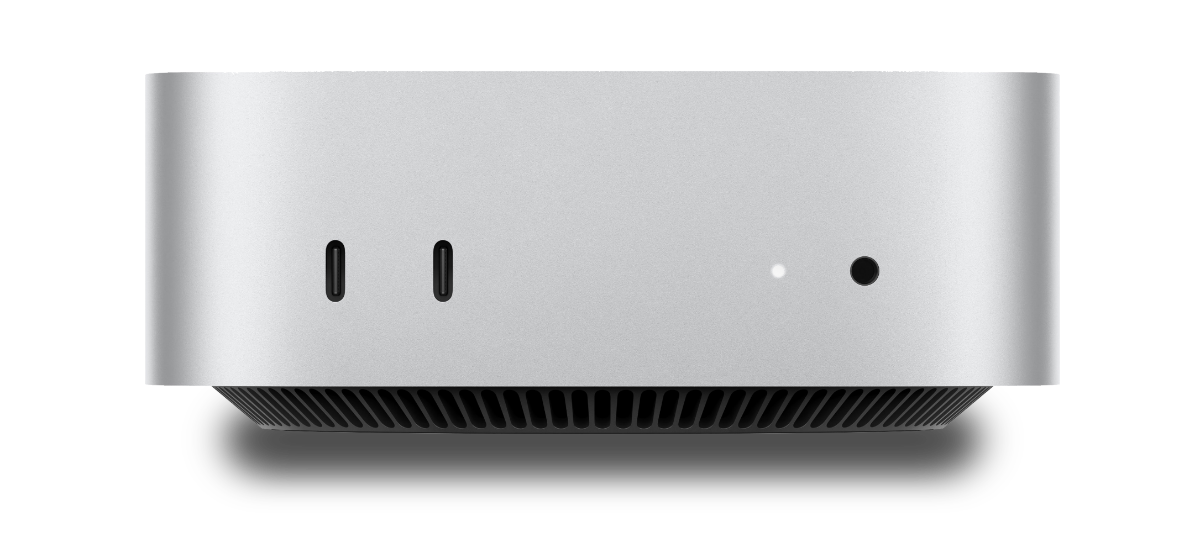
The Mac mini is recommended for AppKiosk Player as a reliable solution
Built with modern foundations
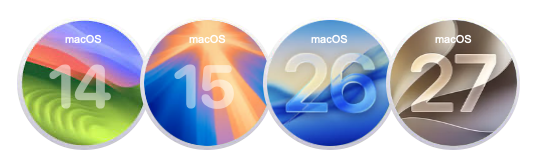
Requires macOS 14 Sonoma or later versions.
Optimized for macOS 26 Tahoe and macOS 27 Golden Gate
Easy to try, easy to buy
This app is incredibly affordable with a simple, one-time purchase—no recurring subscription fees. Plus, we offer fantastic quantity discounts, so the more you buy, the more you save! Try out the full functionality in our free trial version, and when you’re ready, unlock all features by purchasing a license.
Purchase options
Xproline Store Apple Mac App StoreEnjoy significant savings when you purchase multiple licenses. Payment options: Apple Pay or Credit Card. Pricing for the Mac App Store version varies by country and Apple's policy.